

Build OpenWrt Access Points Without Wireless Mesh
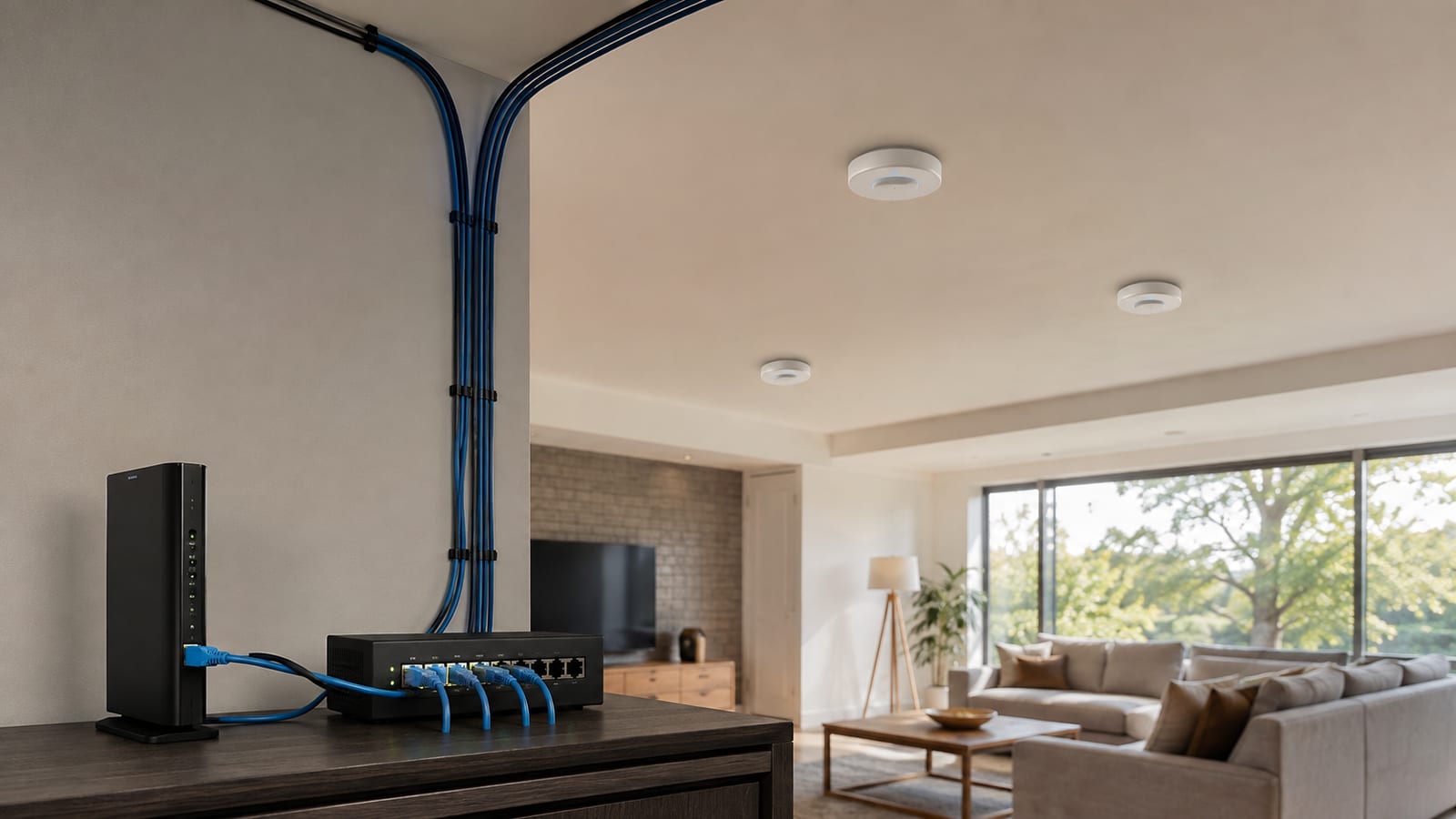
Wired backhaul for OpenWrt mesh nodes is a solved problem: use Ethernet, bridge the access points into the right local area networks, and skip 802.11s, batman-adv, wpad-mesh, and wpad-mesh-wolfssl. Those components exist for wireless multi-hop links. Adding them to cabled access points gives you more state, more logs, and more ways to loop frames. It does not give you useful resilience.
Last updated: 2026-08-03
Is an OpenWrt mesh the right design when every node has Ethernet?
No. If every access point has Ethernet, you do not have a mesh routing problem. You have several wired access points serving the same networks.
The word "mesh" gets stretched over three different designs:
| Design | Backhaul | What forwards traffic | My call |
|---|---|---|---|
| Wired access points | Ethernet | Linux bridge and switch | Use this when cable exists |
802.11s mesh | Wireless | Kernel mesh path selection | Use only without cable |
802.11s with batman-adv | Wireless | Batman Advanced virtual Layer 2 network | Use for a real multi-hop requirement |
A wired access point does not need to discover a path through neighboring radios. Its path is the switch port. The switch already knows where Ethernet frames belong.
That distinction matters during failure. With wired access points, you inspect the bridge, VLAN tags, and switch ports. With a wireless mesh overlay, you also inherit peer state, path selection, mesh encryption, and another forwarding layer. None of that helps a cable carry a frame.
What does wired backhaul for OpenWrt mesh actually need?
Use one upstream router, one switched Ethernet path, and access points that bridge Wi-Fi into the correct local area network. If you need isolation, carry virtual local area networks, or VLANs, over tagged uplinks.
The minimum design looks like this:
Internet
 |
OpenWrt gateway
DHCP, DNS, firewall, routing
 |
Managed switch
 |-------------------|
 | |
OpenWrt AP OpenWrt AP
bridge only bridge only
Wi-Fi to VLANs Wi-Fi to VLANs
The gateway owns routing, Dynamic Host Configuration Protocol (DHCP), Domain Name System (DNS), and the firewall. Each access point gets a management address but does not hand out leases or perform network address translation.
For a flat network, bridge the Ethernet uplink and wireless interfaces into br-lan. For a segmented network, make the bridge VLAN-aware and map each wireless network to its VLAN.
Do not add a mesh routing overlay as a backup path unless you have designed loop prevention and failover around it. Ethernet and wireless mesh paths running at once can create duplicate paths that are much harder to reason about than a dead cable.
How should you replace a mesh network with wired access points?
Remove the wireless mesh path before you build the wired one. Trying to make 802.11s "prefer" Ethernet leaves two forwarding systems alive, which is where the strange failures start.
Use this migration order:
- Pick the only router that will provide DHCP, DNS, firewalling, and routing.
- Give every access point a unique management address.
- Connect each access point to the switch over Ethernet.
- Bridge each client SSID into its intended network or VLAN.
- Disable DHCP and routing on every access point.
- Remove the
802.11sinterfaces from/etc/config/wireless. - Remove
bat0and other Batman Advanced devices from/etc/config/network. - Remove unused mesh packages after the wired path works.
- Confirm the bridge, leases, routes, and client access before rebooting anything.
Run ubus call network.interface dump before changing the configuration. Its output shows the interfaces OpenWrt actually instantiated, including addresses, routes, and protocol state.
Then inspect the bridge:
bridge link
bridge vlan show
ip -br addr
ip route
bridge link tells you which ports belong to each bridge. bridge vlan show exposes tagged and untagged membership. The final commands show management addresses and routes, so duplicate gateways do not hide in the config.
Keep a backup of /etc/config/network, /etc/config/wireless, /etc/config/dhcp, and /etc/config/firewall. A screenshot of LuCI is not a configuration backup. It is evidence that the page once looked reassuring.
How do you set up the router and access points?
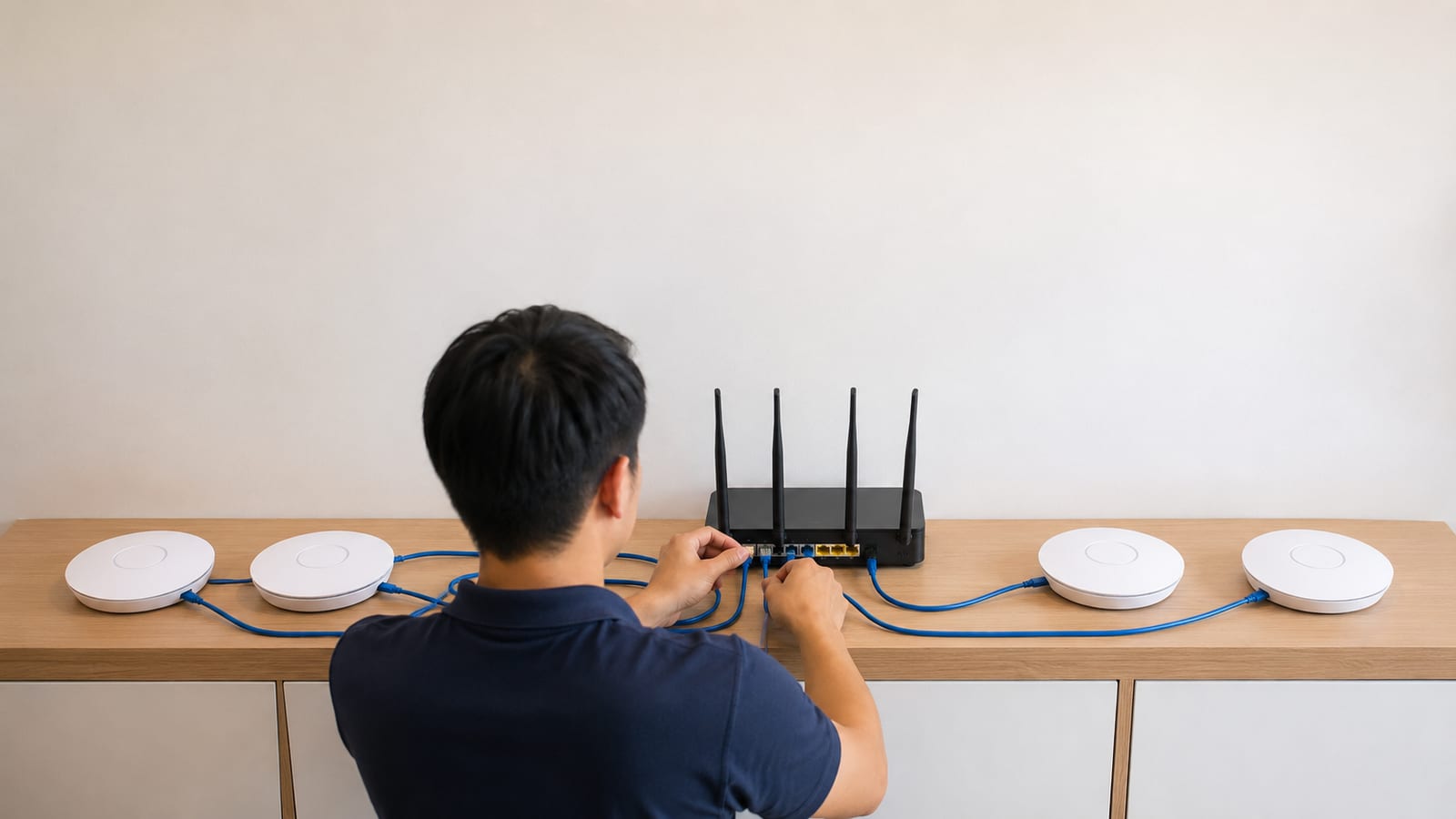
Start with the gateway. Do not configure every box as a router and hope the packets sort themselves out.
Configure the gateway
The gateway should have:
- The only active DHCP server for each client network
- The only default route toward the internet
- Firewall zones for trusted, guest, and management traffic
- VLAN interfaces where network separation is required
- An Ethernet connection to the switch
Check the active DHCP listeners with:
ss -lunp | grep ':67 '
ubus call dhcp ipv4leases
The first command shows which process is listening for DHCP requests. The second shows leases known to OpenWrt. If an access point also answers those requests, fix that before touching roaming.
Configure each access point
Give each access point a fixed management address that does not collide with the gateway or another node. Either reserve that address on the gateway or assign it outside the gateway's dynamic lease pool.
On the access point:
- Bridge the Ethernet uplink into the required local networks.
- Disable its DHCP server.
- Remove or disable the WAN interface if it has no role.
- Do not configure network address translation.
- Keep a default route and DNS access for package updates and time sync.
- Allow management only from the network intended to manage it.
A common /etc/config/dhcp setting for a bridged access point is:
config dhcp 'lan'
    option interface 'lan'
    option ignore '1'
That stops the local DHCP server on lan. It does not prove another DHCP section is not active, so read the whole file and check the listening sockets afterward.
Apply changes carefully:
service dnsmasq restart
service network reload
logread -e netifd
The log output tells you whether netifd, OpenWrt's network manager, accepted the bridge and interface changes. If the management link disappears, stop issuing commands and use a local console. Repeated reloads do not repair a wrong VLAN.
Verify the finished path
From a client on each SSID, check:
ip route
nslookup openwrt.org
ping -c 3 <gateway-address>
The route must point to the real gateway, not the access point. The lookup tests DNS through that gateway. The ping confirms local reachability before you blame the internet.
How should SSIDs, roaming, and channels be configured?
Use matching SSID, encryption, and credentials across access points where you want roaming. However, do not clone every radio setting blindly.
Each access point should use a planned channel. Nearby radios on the same band should avoid fighting over the same airtime where local channel availability permits. Also set the correct regulatory country on every radio.
Clients decide when to roam. The access points can provide better information, but they cannot force every phone or laptop to behave well.
You may enable these features after the basic network is stable:
802.11rfor faster authentication during a roam802.11kfor neighbor reports802.11vfor transition suggestions
Those features are unrelated to 802.11s. The first group helps client devices move between access points. 802.11s creates wireless links between the access points themselves.
Keep security settings consistent. A shared SSID using different cipher or management-frame settings on different nodes produces roaming failures that look random. Check the generated host access point daemon configuration rather than trusting the LuCI summary:
ps w | grep '[h]ostapd'
logread -e hostapd
ubus call hostapd.<radio-interface> get_status
Replace <radio-interface> with the live hostapd object shown by ubus list 'hostapd.*'. Its status output shows the running channel, clients, and wireless state. That tells you what the daemon applied, not what the config page was meant to apply.
How should VLANs and guest Wi-Fi be carried?
Carry trusted, guest, and management networks as tagged VLANs between the gateway, switch, and access points. Then bridge each SSID only into its assigned VLAN.
A sensible layout keeps these roles separate:
| Network | Gateway role | Access point role |
|---|---|---|
| Trusted | DHCP, routing, firewall | Bridge trusted SSID |
| Guest | DHCP, internet-only policy | Bridge guest SSID |
| Management | Restrict administrative access | Address the AP itself |
On modern OpenWrt targets, Device and Switch Architecture configuration makes the bridge VLAN-aware. Older hardware may expose switch VLANs through swconfig. Do not paste a DSA recipe onto a swconfig device. The interface names may look plausible while the frames go nowhere.
Run this first:
ubus call system board
ip -d link show
bridge vlan show
The board output identifies the target and release. The detailed link output shows bridge and VLAN devices. The final command shows port membership, including which traffic leaves tagged or untagged.
A tagged uplink must be tagged at both ends. If the switch sends a VLAN tagged but the access point expects it untagged, clients associate and then receive no lease. That is a VLAN failure, not a Wi-Fi failure.
Guest traffic should reach its own gateway interface and firewall zone. Do not bridge the guest SSID into br-lan and expect a firewall rule to recover the lost separation later. Once both networks share the same Layer 2 bridge, the isolation is already broken.
For a fuller switch-side explanation, use the VLAN tagging guide for homelabs. If the gateway runs virtually, the OpenWrt on Proxmox VLAN setup covers the extra tagging boundary at the hypervisor.
Why should wpad-mesh stay uninstalled?
wpad-mesh adds support needed for wireless mesh operation. A wired access point does not need it to provide normal access point service.
Package names vary by release and build. First, find what is installed:
opkg list-installed | grep -E '^(wpad|hostapd|batctl|kmod-batman)'
Use that command on OpenWrt releases that still use opkg, including the 24.10 branch and earlier releases. On the 25.12 branch and main snapshots using the newer package manager, run:
apk info | grep -E '^(wpad|hostapd|batctl|kmod-batman)'
OpenWrt documents the changed commands in its official opkg-to-apk migration guide. Check ubus call system board before copying package commands from an older guide.
Do not remove the active wpad package over a remote Wi-Fi session. That is an efficient way to turn package cleanup into a walk across the building.
Instead, connect through Ethernet and replace the mesh-capable variant with the suitable non-mesh wpad package offered by your release. Check available packages first:
opkg update
opkg list 'wpad*'
For an apk-based build:
apk update
apk search 'wpad*'
The output tells you which variants exist in that release and repository. Pick the variant that supports your access point security requirements without adding mesh support you do not use.
Removing unused mesh support does not make Ethernet faster. It makes the system easier to inspect because fewer daemons, modes, and package conflicts can affect wireless startup.
Is wpad-mesh-wolfssl useful with wired backhaul?
No. wpad-mesh-wolfssl is useful when a node must join an encrypted 802.11s mesh and that package matches the release's supported crypto stack.
It does not improve Ethernet backhaul, roaming, VLAN handling, or normal access point service. Installing it because a mesh tutorial listed it is cargo-cult configuration. The tutorial was solving a wireless peer problem that your cable removed.
Package replacement can also expose conflicts between full and basic wpad variants. Therefore, read the package manager's proposed removals before confirming. If it wants to remove the only hostapd provider without adding a replacement, stop.
When do 802.11s and batman-adv apply?
Use 802.11s when nodes must form wireless peer links because Ethernet is unavailable. Add batman-adv only when you need its Layer 2 path selection and virtual mesh interface.
They do different jobs:
802.11sforms the wireless mesh links between radios.- The kernel can forward frames across those links using its mesh path selection.
batman-advruns above suitable links and presents the mesh as a virtual Layer 2 interface.batctlinspects Batman Advanced neighbors, originators, gateways, and statistics.
Do not let two layers make the same forwarding decision without understanding the result. If batman-adv owns mesh forwarding, the lower mesh interface must be configured accordingly. Otherwise, duplicate forwarding and loops are waiting for traffic.
The official OpenWrt 802.11s mesh guide is the right starting point when you have a genuine wireless multi-hop requirement. Read it for the release you run because wireless package names and capabilities change.
A real wireless mesh also needs radio and driver support. "OpenWrt supports this router" does not prove its wireless driver handles 802.11s well. Platform support and mesh reliability are separate questions, despite what the supported-device checkbox encourages you to assume.
How do you debug the network from the running state?
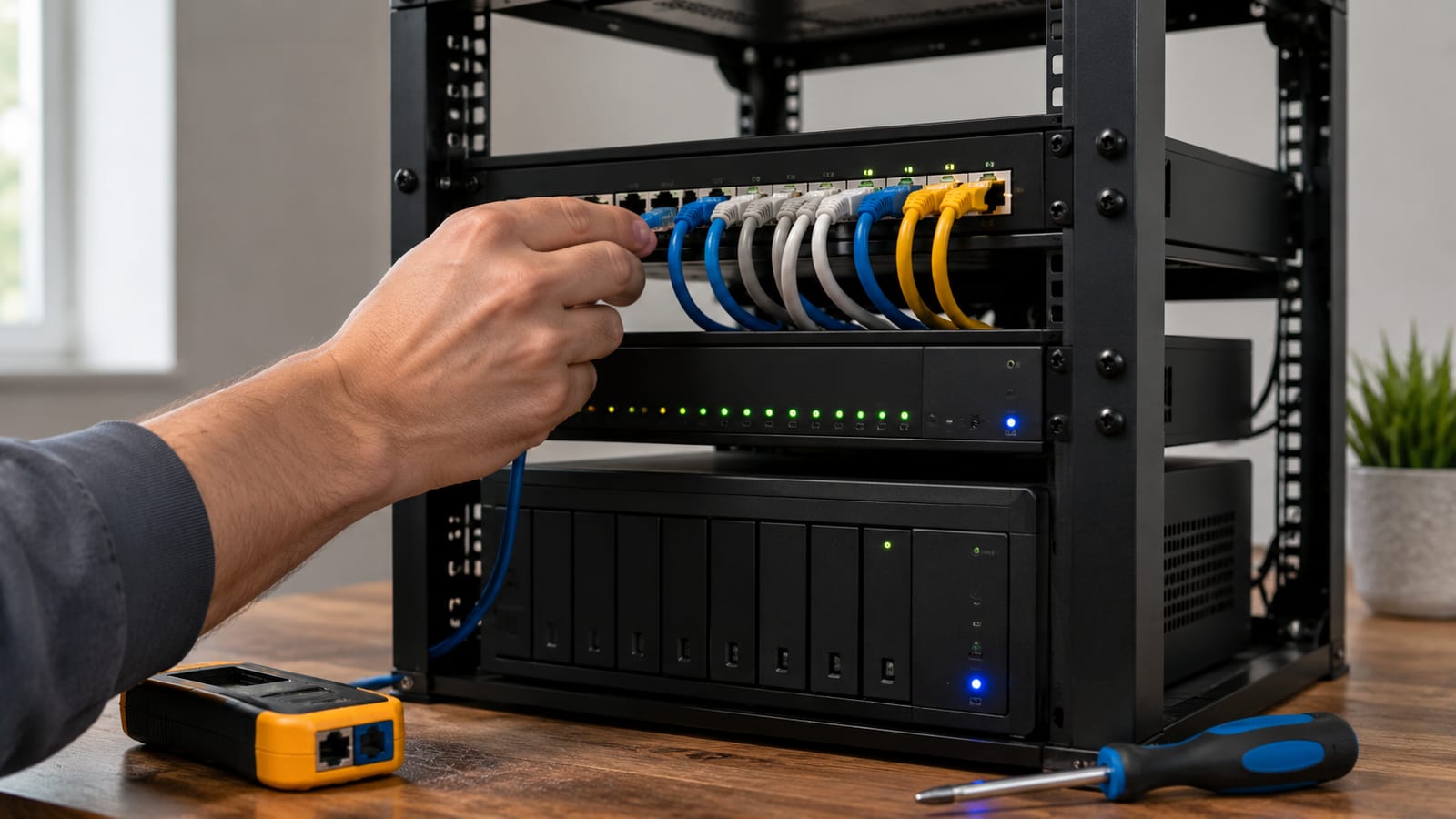
Read the running state before editing Unified Configuration Interface, or UCI, files. The config describes intent. ubus, bridge state, routes, and logs show what actually happened.
Start here:
ubus call system board
ubus call network.interface dump
ip -br link
ip -br addr
ip route
bridge link
bridge vlan show
This separates link, address, route, bridge, and VLAN failures. If the Ethernet port is down, changing hostapd will not help. If the client VLAN is absent from the uplink, restarting DHCP will not help either.
Next, read the logs around the failure:
logread -e netifd
logread -e hostapd
logread -e dnsmasq
dmesg | tail
netifd reports interface and device transitions. hostapd reports radio startup, association, authentication, and roaming events. dnsmasq shows DHCP activity, while dmesg exposes driver and switch errors from the kernel ring buffer.
Then capture the traffic:
tcpdump -eni br-lan 'arp or port 67 or port 68'
That capture shows Address Resolution Protocol traffic and DHCP exchanges on the bridge. If you see a client request but no offer, inspect the gateway and VLAN path. If you see offers from two addresses, you have two DHCP servers.
For a tagged guest network, capture on the physical uplink as well:
tcpdump -eni <uplink-interface> vlan
Replace <uplink-interface> with the live Ethernet device. This tells you whether tagged frames reach the access point. It does not tell you whether the bridge accepted them, so compare it with bridge vlan show.
If the configuration still behaves differently from the documentation, inspect the generated runtime files under /var/run and the relevant OpenWrt package source. Do not keep restarting services until the problem goes quiet. A reproducible failure is useful; a hidden one owns your next weekend.
What mistakes make a wired OpenWrt network unstable?
Most instability comes from two devices claiming the same job or from one VLAN changing meaning between ports.
Two DHCP servers answer clients
Only the gateway should serve a given client network. A forgotten DHCP server on an access point can hand out a different gateway or DNS server.
Capture DHCP traffic and read the server identifiers. Do not guess based on which lease page happened to load.
The uplink is connected to WAN
A satellite access point with its cable in a routed WAN port creates firewall and network address translation boundaries. Clients may get internet access while local discovery, roaming helpers, and management fail.
Move the uplink into the intended bridge, or explicitly reassign the physical port. The label printed on the case does not control Linux. The device configuration does.
VLAN tagging differs between the switch and access point
Tagged on one side and untagged on the other means the client network disappears. A wrong native VLAN can be worse because traffic lands in the wrong network and appears partly functional.
Compare the switch port configuration with bridge vlan show. Port names and VLAN membership must agree at every hop.
Management addresses collide
Each access point needs a unique address. A duplicate address creates intermittent management access and confusing Address Resolution Protocol changes.
Use ip neigh from the gateway and compare the hardware address over time. If one IP moves between two hardware addresses, fix the collision.
Ethernet loops have no protection
A plain star does not need Spanning Tree Protocol, or STP, to function. However, if users can connect access points or switches through more than one Ethernet path, enable loop protection where the topology requires it.
Do not enable STP as decoration, and do not disable it in a network with redundant Layer 2 links. Draw the physical paths first. Then make the bridge policy match them.
Wireless security differs between nodes
Matching SSIDs are not enough. Encryption, credentials, protected management-frame policy, and roaming settings must agree.
Read hostapd logs while a client moves. Authentication failures belong to Wi-Fi security. Missing DHCP after successful association belongs farther down the network stack.
Ethernet is treated as another mesh link
Do not attach Ethernet and 802.11s links to a forwarding overlay because redundancy sounds useful. Without deliberate loop handling and path policy, you have built two ways for broadcasts to circulate.
For wired backhaul in an OpenWrt mesh-style deployment, the cable should be the backhaul. Keep the radios serving clients and keep mesh routing out of the path.
FAQ
Can I keep 802.11s installed as an emergency fallback?
You can, but passive installation is different from an active fallback path. An automatic wireless backup needs loop prevention, clear path priority, and testing under link failure.
For most homes and small offices, keep a spare cable or access point instead. An untested mesh fallback adds another network you must maintain before it can rescue the first one.
Do wired access points need relayd?
No. relayd works around networks that cannot form a normal Layer 2 bridge, often because a wireless client link does not carry all required frame addresses.
Ethernet bridges directly. Adding relayd to a wired access point hides the clean topology behind a proxy arrangement and makes DHCP diagnosis harder.
Should every access point run a firewall?
Not for ordinary bridged client traffic. Put the routing firewall on the gateway, where traffic crosses between networks.
An access point may still restrict access to its own management services. That is host protection, not a second routed firewall boundary.
Can unmanaged switches carry guest VLANs?
Only if they pass tagged frames unchanged, and you usually cannot inspect or control what they do. That makes them a poor place to depend on network separation.
Use a managed switch for tagged uplinks. You need to see which VLANs belong on each port when a guest client associates but receives no address.
Does the package manager change alter the network design?
No. apk replacing opkg changes package installation and removal commands, not bridges, VLANs, DHCP boundaries, or radio roles.
Still, use commands that match the installed release. Running an old package recipe on a newer branch fails before you reach the network problem you meant to fix.
