
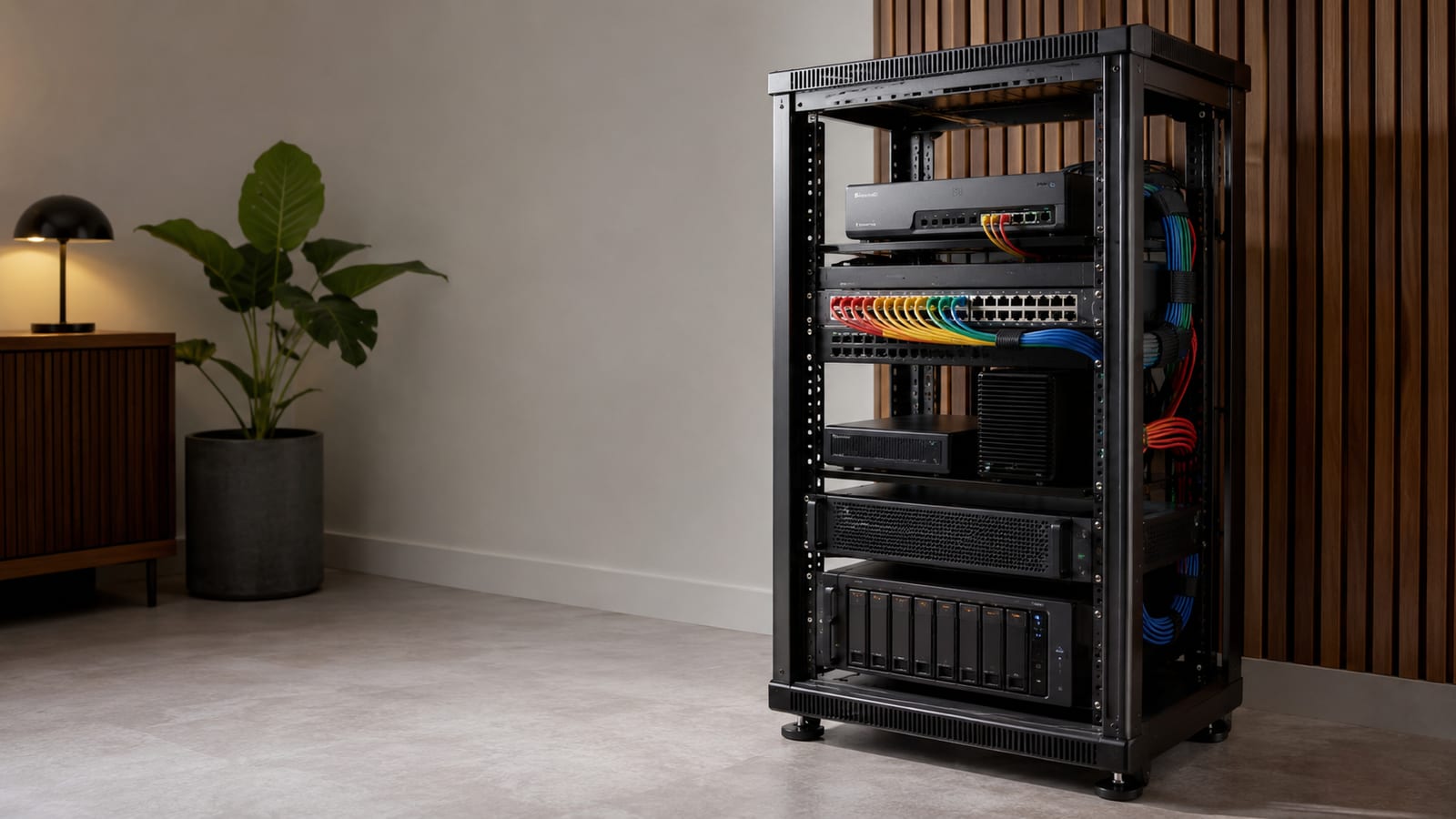

Network Segmentation in a Homelab: 6 Setup Steps
Set up homelab network segmentation by isolating untrusted devices on their own VLAN, tagging trunks between VLAN-aware gear, keeping non-aware devices on untagged access ports, and enforcing all inter-VLAN traffic through a real firewall. pfSense, OPNsense, OpenWrt, and UniFi gateways all work; the firewall rules matter more than the badge on the box.
Last updated: 2026-08-02
VLAN tagging in a homelab comes down to one standard, 802.1Q, and that one habit. Get it right and a compromised smart speaker stays stuck on its own segment instead of scanning your laptop. You can start with the switch you already own and grow from there.
Why bother segmenting a homelab at all
Because one flat network means one blast radius. When every device shares a broadcast domain, a compromised IoT gadget sees your NAS, your hypervisor, and your workstation the moment it starts probing. Segmentation is how I enforce least privilege at home without babysitting every device.
The map I recommend is small on purpose. These networks cover most homes:
- Default trusted laptops and phones.
- IoT smart plugs, cameras, anything you don't trust, with no path back to Default.
- Guest internet only, isolated from everything else.
- Secure all traffic egressing through a VPN.
- Homelab your servers and services, with tight rules on what can reach them.
There's a performance angle too, and it's real. Chatty devices flood a broadcast domain with discovery traffic. Smaller domains cut that noise, free up wireless airtime, and make faults easier to scope. So when something breaks, you're debugging one segment instead of the whole house.
The VLAN parts you actually touch
A VLAN is a broadcast-domain boundary, nothing more mystical than that. It groups Ethernet traffic so local discovery stays local, while IP addressing and routing stay separate concerns. Here is what happens on the wire, because this explains most of the bugs you'll hit.
What the tag actually carries
Every segment gets a VLAN ID, or VID. IEEE 802.1Q adds a small header to each frame so switches keep the lanes distinct. That header opens with a tag protocol identifier, a 16-bit field set to 0x8100, followed by priority bits, a drop-eligible indicator, and the VID itself.
The VID is a 12-bit field. As a result, IDs 1 through 4094 are available for normal VLAN assignment, while 0 and 4095 are reserved. A VID of 0x000 means the frame carries no VLAN ID and is being used as a priority tag. VID 0xFFF is reserved for implementation use and must never be configured or transmitted, so keep your numbering well clear of the top of the range.
A tagged trunk carries many VIDs on one cable. An access port strips the tag and sends plain Ethernet to a device that knows nothing about VLANs.
Untagged ingress is where people get burned
When a frame arrives with no tag, the switch assigns it the port's PVID, sometimes called the native or access VLAN. TP-Link's PVID tab does the same job as a Cisco access port; only the label changes. Learn where your switch hides this setting before you trust it.
One warning worth repeating. If the native VLAN differs on the two ends of a trunk, traffic leaks between segments and you get odd loops. Keep the native VID identical on both ends.
And a VLAN by itself is not a security control. Devices in the same VLAN communicate directly at Layer 2 without passing through a gateway or firewall, so membership alone gives you no isolation between them. The isolation comes from the Layer 3 device's routing and firewall policy, which is why the firewall step is not optional.
Picking VLAN-aware hardware and software
Decide first whether you need plain Layer 2 tagging or Layer 3 routing between segments, because that choice drives everything else. A cheap managed switch will tag and trunk all day. Ask it to route between VLANs and it often punts the job to a weak CPU, which throttles your throughput.
Here's the trade-off in plain terms:
| Feature | L2 switch | L3 switch |
|---|---|---|
| Primary role | Tagging, trunks | Routing between segments |
| Throughput | High for switching | Line-rate inter-VLAN |
| CPU load | Low | Offloads routing to silicon |
| Cost | Lower | Higher |
The routing hardware matters more than most guides admit. On an EdgeRouter X with hardware offload, routing between VLANs barely registers on the CPU. Move the same job to software routing on comparable hardware like a Raspberry Pi 4 and the load climbs enough to notice under real traffic. That's fine for a lab and painful for your main gateway.
For software, OpenWrt tags and firewalls happily on small routers and is a cheap way to start. For heavier rulesets I reach for pfSense or OPNsense on an x86 box, or a virtualized router on a Proxmox host. UniFi appliances bundle controller, routing, and switching if you want one pane of glass instead of three. If you're still sizing switch gear, my rundown of switches worth buying for a home lab covers the uplink and PoE math.
Plan the networks before you touch a config
Sketch your networks, IP ranges, and traffic policy on paper first. Ten minutes here saves you an evening of renumbering later. Carve subnets by role and leave gaps.
A scheme like 10.10.X.0/24, one octet per network, reads cleanly and scales. Reserve ranges for segments you haven't built yet so you don't redo addressing when you add cameras next year. Name consistently too: Default-Home, IoT-Home, Guest-Home. Sloppy names are how SSIDs get wired to the wrong tag.
Document the boring parts now. Write down each DHCP range, the static addresses for servers, and the DNS suffix per network. If your firewall supports it, build one group of the private RFC1918 address ranges so your rules read against a named group instead of a wall of subnets. That keeps policy legible on both UniFi and pfSense.
How do you use VLAN tagging in a homelab?
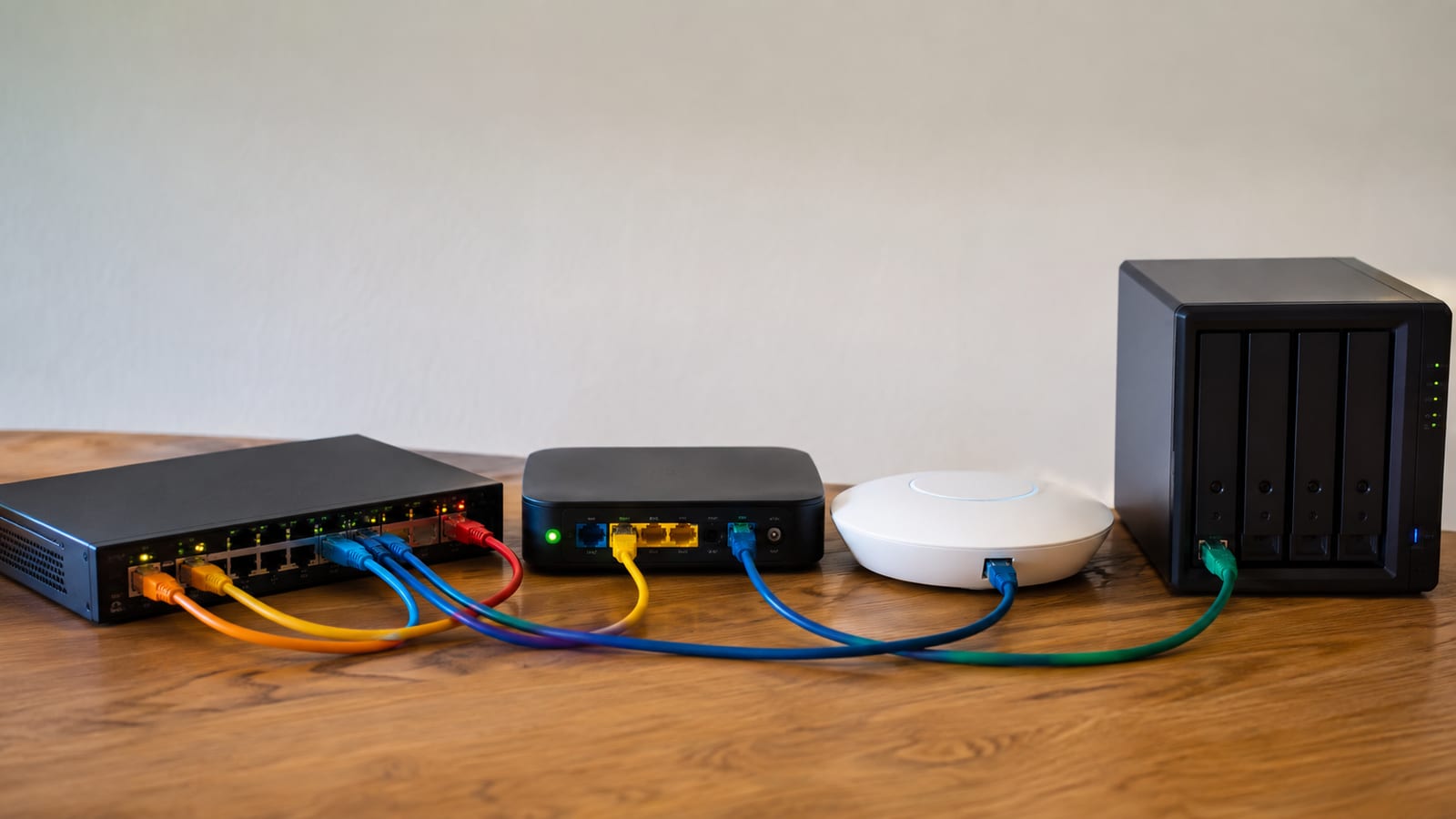
Work in order, and prove each layer before moving up. The sequence is plan, configure, connect, verify, then enforce policy.
- Create the VLANs on your managed switch. Add each network as a VID in the switch UI. Pick clear numbers and write them down.
- Set your trunks. On the link between switches, or from switch to access point, tag every VID that needs to cross. In UniFi's language, trunk ports allow multiple VLANs while access ports handle a single one. Leave the native VLAN consistent on both ends.
- Set access ports. For a single dumb device, set the port's PVID to its VLAN and send it untagged. That printer never needs to know a tag exists.
- Configure the router side. Create a virtual interface per tag, then a DHCP scope and DNS for each.
- Map SSIDs to tags on the access point. Point each wireless network at the matching VLAN so a phone on the guest SSID lands on the guest segment.
- Verify before you trust it. Check link lights, read the switch's port and VLAN tables, and plug a test client into each access port to confirm it pulls an address from the right scope.
To test a trunk port without moving hardware around, bring up a tagged subinterface on any Linux box:
sudo ip link add link eth0 name eth0.20 type vlan id 20
sudo ip link set eth0.20 up
sudo dhclient -v eth0.20
If that pulls an address from VLAN 20's scope, the tag is reaching the port. If a client on an access port lands on the wrong subnet, you have a PVID or trunk mismatch, not a DHCP problem.
Wireless is where segmentation quietly fails
Your access point is the most common broken link in the chain. The AP tags wireless traffic, but every switch port between it and the gateway has to carry that tag or the frames die in transit.
UniFi documents this directly: the WiFi VLAN must be allowed as a tagged VLAN on the upstream switch ports that AP traffic passes through to reach the gateway and DHCP server. Miss one uplink port in the middle and the SSID associates, then hangs with no address. Meanwhile the client shows full signal, which sends people off debugging the wrong layer.
Give the AP's own management address a home too. I put it on the management network as untagged traffic on that port, then tag the guest and IoT networks alongside it. That way an AP reboot doesn't lock you out of the controller.
Connecting VLANs without opening everything
The whole point of segmenting is to block traffic by default and then poke the smallest holes you can. So start every inter-VLAN policy with deny, and add allows deliberately.
Something has to route between the segments, and Cisco's Meraki MS documentation states the requirement plainly: devices in separate VLANs need a Layer 3 forwarding device such as a router, and that device may sit outside the switch or be built into it. A Layer 3 switch does the job by creating switched virtual interfaces, one per VLAN or subnet, and forwarding on destination IP. In most homelabs that role falls to the firewall, which is where you want it anyway.
A sane baseline looks like this. Allow established and related traffic so replies flow back without a matching outbound rule. Let Default reach anywhere. Give IoT and Guest internet only.
Then add narrow exceptions for the services that genuinely need to cross, like SSH, SMB, or NFS from Default into Homelab. Scope those to specific source and destination addresses, never any to any. The asymmetry is deliberate: your desktop reaches the lab, and nothing in the lab initiates a connection back to your desktop.
Discovery services are the classic exception. AirPlay, Chromecast, and Sonos rely on mDNS, which does not cross a broadcast-domain boundary on its own. You need an mDNS repeater or reflector on the firewall to forward those announcements between the segments involved, plus firewall rules to let the media stream through. Turn on IGMP snooping so multicast doesn't flood every port.
If you run a lot of untrusted gear, watching IoT traffic on OpenWrt tells you what's actually trying to phone home before you write rules blind.
DNS and DHCP across segments
Run one DHCP scope per VLAN and hand out a gateway address that lives on that VLAN's interface. This sounds obvious until you clone a scope and forget the gateway, at which point clients get an address and go nowhere.
DNS is the interesting one. If you run Pi-hole or another resolver, put it on the management or lab VLAN and allow DNS from each segment to that single address. The alternative is letting the firewall resolve and forwarding upstream from there, which means one less box in the path.
I prefer the first approach, with one narrow allow rule per VLAN scoped to the resolver's address. Then block outbound DNS to everything else so a device with a hardcoded resolver can't route around your filtering. Plenty of smart TVs do exactly that.
Should your homelab and containers get separate VLANs?
Yes, and put your containers on a different one from the rest of the homelab. Here's the reasoning. Your homelab VLAN holds hypervisors, storage, and management interfaces you rarely want exposed.
Containers and VMs running actual services, especially anything reachable from the internet, live at higher risk of compromise. Keeping them apart means a popped web container can't reach your Proxmox management port on the same broadcast domain.
For most homes, two segments do the job: one for management and infrastructure, one for the workloads. Go finer only when you have a real reason, like a DMZ for internet-facing services. More VLANs mean more firewall rules to maintain, and rules you don't understand are rules that leak.
Keeping management access off the everyday network
Management interfaces deserve their own segment more than anything else in the house. IPMI, iDRAC, switch web UIs, and hypervisor consoles have a long history of shipping with weak authentication and stale firmware.
I allow management access from one source: a single admin workstation address, or a VPN client address if I'm remote. Nothing else routes into that segment, and the segment itself gets no outbound internet beyond what firmware updates need. Segment for a threat you can name, and this one names itself.
UniFi, pfSense, and Proxmox specifics
Each platform tags differently, so know the one you run.
UniFi maps networks to VLANs in the controller, then binds SSIDs to those networks. Its port profiles split the native network, which carries untagged traffic on the port, from tagged VLANs that are explicitly permitted alongside it. Pick the SSID and the right VLAN and firewall policy follow, which is the appeal: fewer places to make a mistake.
In pfSense, a VLAN is created on a physical parent interface, then assigned as an interface and configured like any other interface. Netgate's own walkthrough builds VLAN 4084 on LAN port 4 of a Netgate 2100 with static IPv4 addressing, using 192.168.100.1/24 in the example. From there the pfSense firewall provides the connectivity between VLANs, so every route between segments passes your rules. The pfSense VLAN documentation is worth reading before you commit to a numbering scheme.
Proxmox wants a VLAN-aware Linux bridge. Tick that box on vmbr0, then set the VLAN tag on each VM's network device rather than building a separate bridge per segment. Check the output of bridge vlan show on the host if a VM comes up silent; it lists which VIDs each port will actually accept. My notes on running OpenWrt as a VM on Proxmox walk through the trunk side of that setup.
Cabling, trunks, and the native VLAN trap
An unmanaged switch dropped into the middle of a trunk is the fastest way to lose an evening. Some models strip tags, some pass them through by accident, and none of them are predictable across firmware revisions. Keep managed gear on both ends of any link that carries more than one VLAN.
The native VLAN mismatch deserves a second mention because it bites so often. When the untagged VLAN differs on each end, frames that entered one segment pop out in another, and no firewall rule stops them because no routing took place. That's also the shape of a VLAN hopping attack, where a frame is crafted so it escapes the native VLAN into a segment it shouldn't reach.
My rule is straightforward. Set the native VLAN on every trunk to something unused, never a VLAN that carries real traffic, and never VLAN 1. Then tag everything you care about explicitly.
Cable runs to access points and to other switches are trunks, so label both ends. A patch panel port that got moved during a tidy-up is indistinguishable from a config bug until you go look.
When something breaks
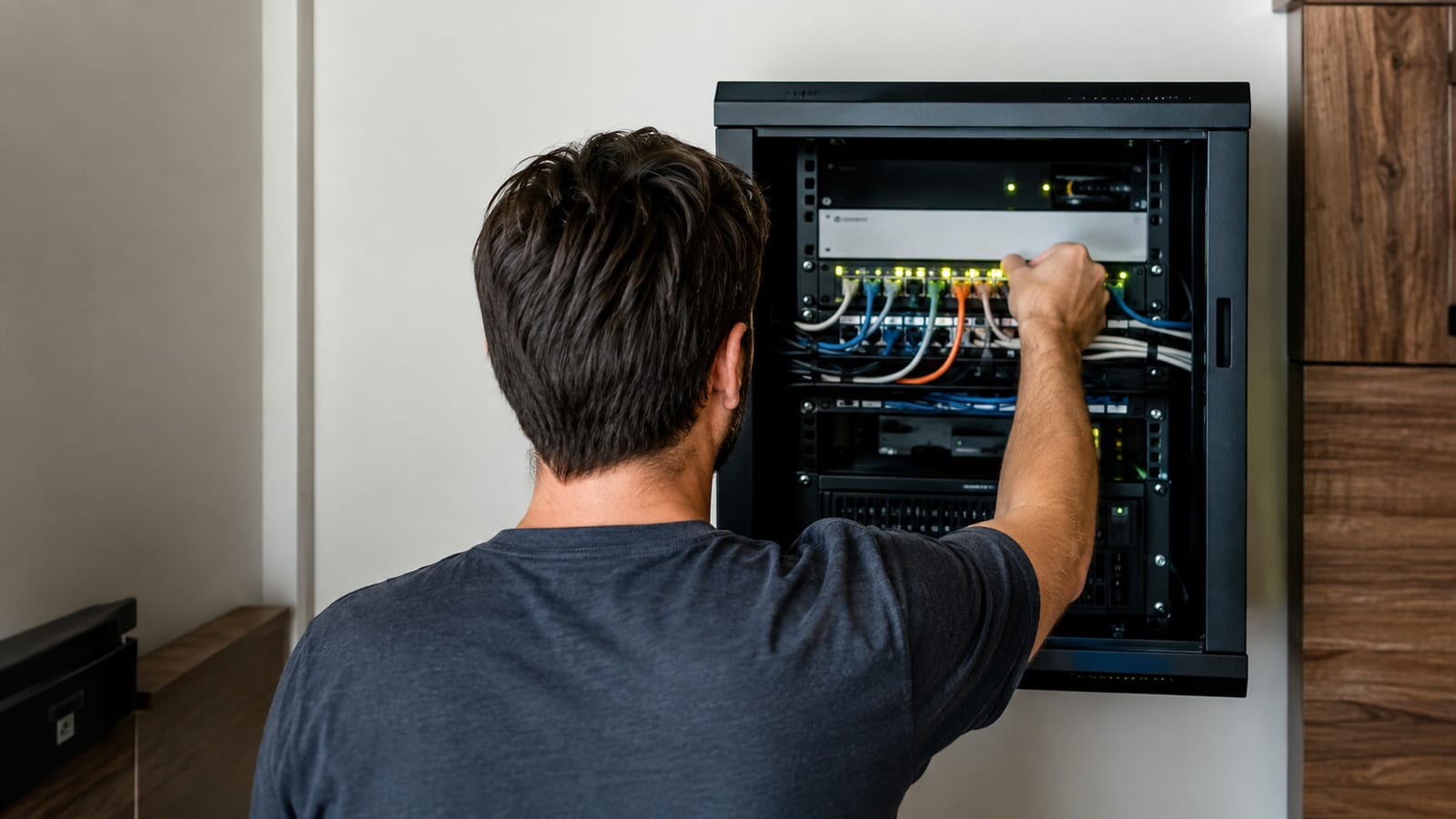
Read the tags before you touch a config. On a Linux host plugged into the suspect port, run this first:
sudo tcpdump -eni eth0 vlan
That prints the VLAN ID on every tagged frame the port receives. If you see nothing, the port is handing you untagged traffic and the switch is treating it as an access port. If you see the wrong ID, your trunk is allowing a VID you didn't intend.
Work up the stack from there. Check the switch's VLAN membership table next, then the port's PVID, then the firewall interface list, then the DHCP scope. Most segmentation faults resolve at the first two and never reach the firewall at all.
A client that gets an address but can't reach its gateway usually means the VLAN exists on the switch and not on the router. A client with no address at all usually means a trunk somewhere in the path isn't carrying the tag. Those two symptoms split the problem in half, which saves the usual hour of poking at the wrong layer. My general approach to tracking down Linux network problems applies here as well, since the diagnosis order is the same.
FAQ
Do I need two firewalls to keep the lab separate from the house network?
No, and I'd skip it unless you have a compliance reason or you're deliberately practicing a defense-in-depth design. One firewall with interfaces on each segment enforces the same policy with a single rule set to audit. Two boxes double the config drift and give you two places to forget a rule. Where a second firewall does earn its keep is when the lab is genuinely hostile territory, like a malware analysis network you never want touching the house gear.
Can I keep an unmanaged switch anywhere in my setup?
Yes, at the far end of an access port. Hang it off a port whose PVID is set to one VLAN, and everything plugged into that switch lands in that segment untagged. What you cannot do is put it between two devices that need to exchange tagged frames. If a room needs multiple segments, run a managed switch there or pull a second cable.
What happens to network printers and Wake-on-LAN across segments?
Both need help. Printer discovery rides on mDNS and broadcast, so either reflect those announcements on the firewall or give clients the printer's static IP and skip discovery entirely. Wake-on-LAN uses a broadcast wake packet that stops at the segment edge, so you'll need a small relay host inside the target segment or a firewall feature that forwards directed broadcasts to that subnet.
Do I need separate firewall rules for IPv6?
You do, and forgetting this quietly undoes the whole design. IPv6 rules are evaluated independently, so an IoT segment locked down on IPv4 can still route freely over IPv6 if router advertisements are enabled there. Decide per segment whether IPv6 is on at all, then mirror your IPv4 policy before you enable it.
