
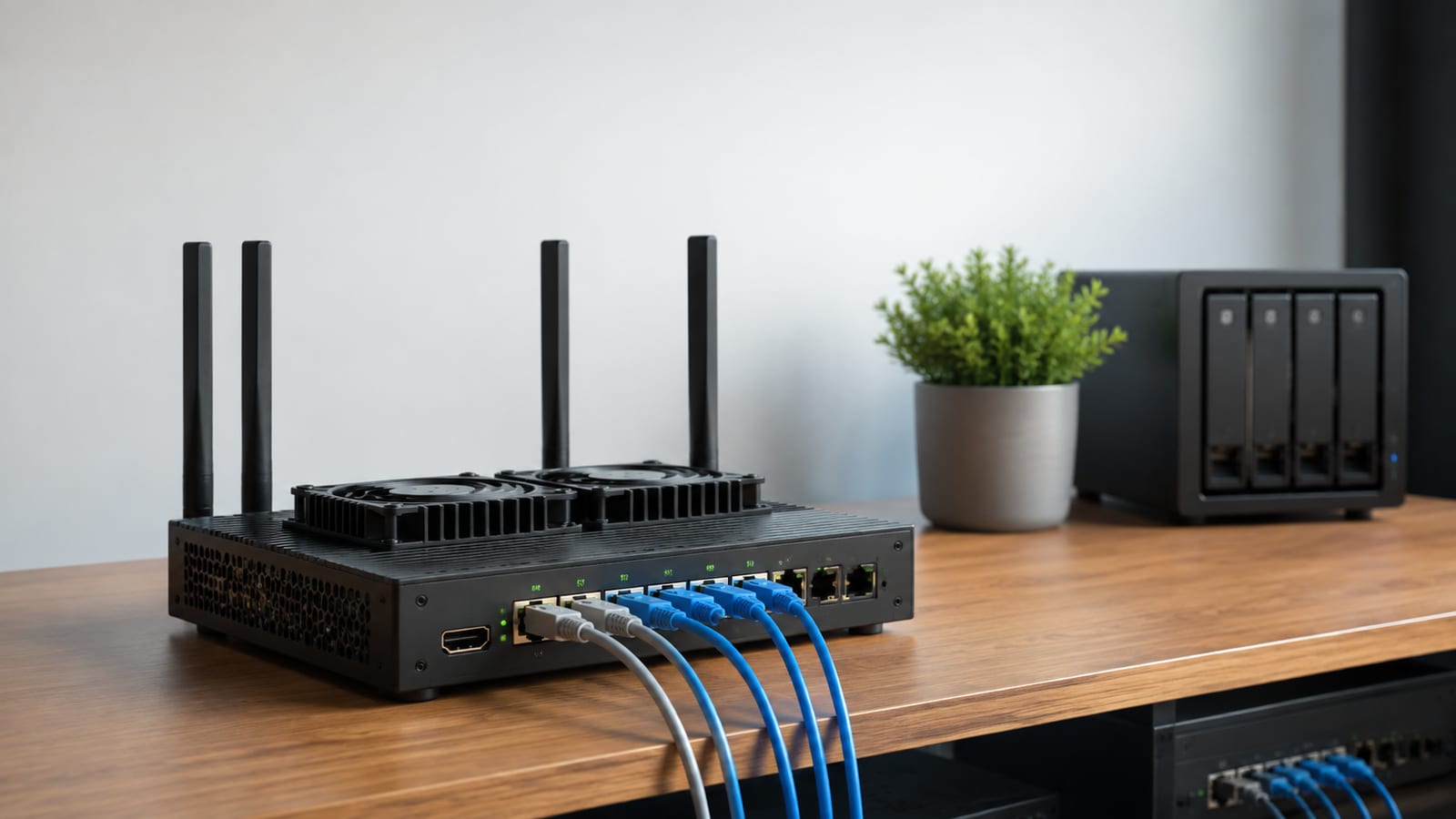

How to Measure PPTP Speed on an OpenWrt Router
PPTP is the wrong place to chase a headline number. OpenWrt PPTP speed has no universal rate. On your router, it is the sustained wired throughput the CPU can handle through PPP, Microsoft Point-to-Point Encryption, GRE, firewall, NAT, and connection tracking. If CPU use rises while throughput stops climbing, move to WireGuard or stronger hardware instead of polishing PPTP settings.
Last updated: 2026-08-03
What’s OpenWrt PPTP speed in practice?
Expect PPTP throughput to vary sharply between routers. CPU design matters, but so do Microsoft Point-to-Point Encryption (MPPE), packet size, firewall rules, NAT, and the remote server.
Your normal routing benchmark does not predict tunnel speed. A router can forward plain traffic quickly while struggling with encrypted PPP frames carried inside Generic Routing Encapsulation (GRE). Hardware acceleration that helps ordinary routing may not touch this path.
So I use four results, not a forum claim:
| Test | What it tells you |
|---|---|
| Plain wired routing | The link and router baseline |
| PPTP download | Receive-side tunnel performance |
| PPTP upload | Transmit-side tunnel performance |
| PPTP test while watching CPU | Whether processing is the ceiling |
If the plain test is fast and both PPTP tests flatten under CPU load, you have the answer. That plateau is your OpenWrt PPTP speed on that hardware and configuration.
Do not compare a wired result with a Wi-Fi tunnel result. That folds radio interference into a CPU test and leaves you with a number that explains nothing.
The PPTP path through OpenWrt
PPTP is a chain of processing stages. Read the chain before changing settings.
A packet from your LAN follows this rough path:
- OpenWrt chooses a route and firewall zone.
- The packet enters a Point-to-Point Protocol (PPP) interface.
- MPPE encrypts the PPP payload if encryption was negotiated.
- PPTP carries that frame through GRE.
- Connection tracking and NAT maintain state.
- The WAN interface transmits the outer packet.
The reverse path performs the same work in reverse. The PPTP specification describes the control connection and GRE transport, but the useful diagnostic point is simpler: several kernel and user-space components touch every packet.
Here is what happens when this path runs out of CPU time. Throughput stops increasing, latency grows, and pppd or kernel packet processing becomes busy. Extra RAM does not shorten that path.
GRE also matters. PPTP is not ordinary TCP-only VPN traffic, so an upstream gateway can pass the control connection yet mishandle the tunneled data. A successful login proves authentication worked. It does not prove the data path is healthy.
How do you measure PPTP throughput without fooling yourself?
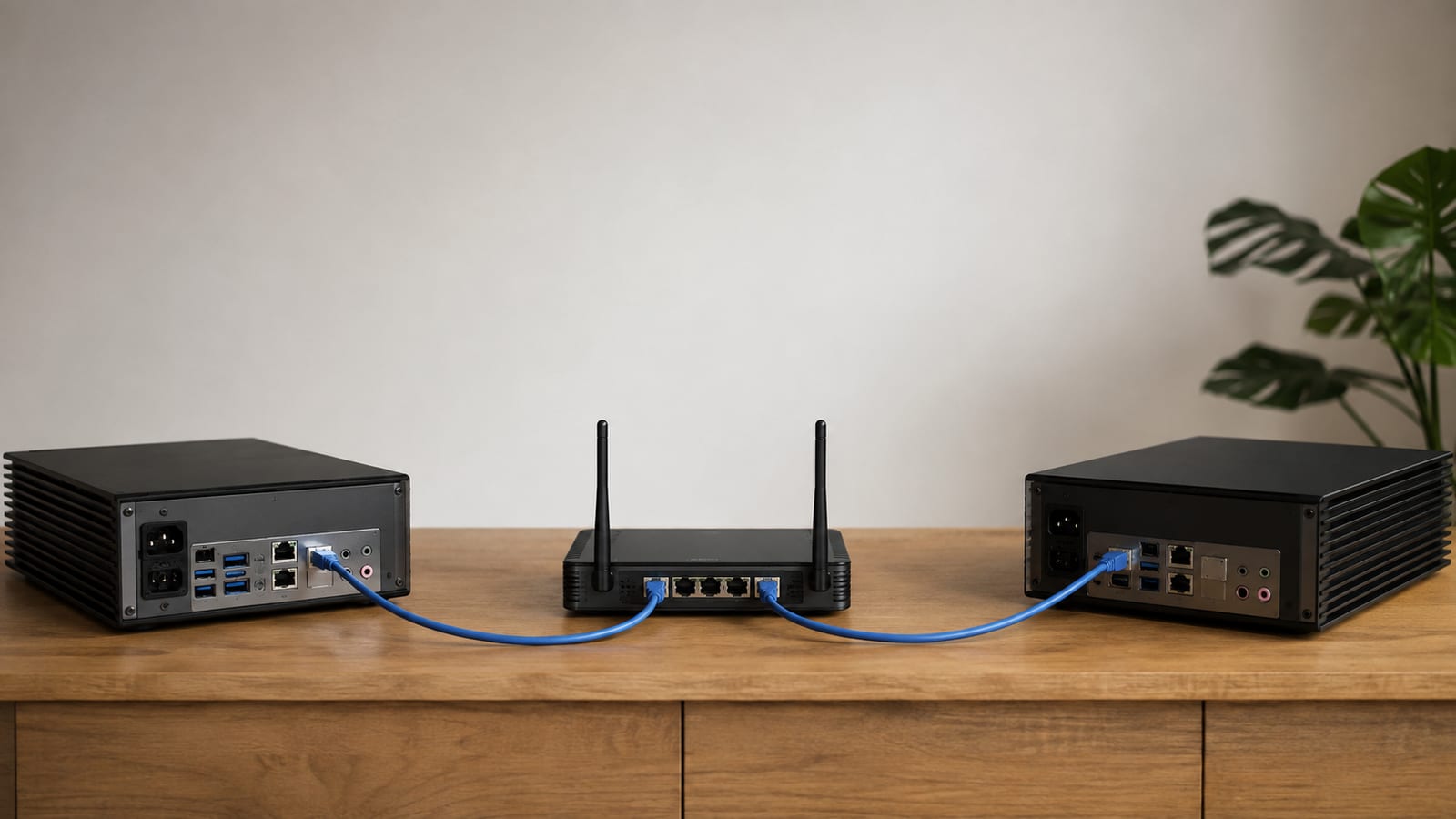
Run iperf3 between wired hosts on opposite sides of the tunnel. Do not run the server on the OpenWrt router unless you mean to measure the router as both endpoint and gateway.
Use this sequence.
- Record a plain baseline.
Route the same traffic without PPTP and run:
iperf3 -c <server-ip>
iperf3 -c <server-ip> -R
The first command tests traffic toward the server. The reverse test checks the other direction. Together, they expose asymmetric links and receive-side problems.
- Bring up PPTP and confirm the route.
ip route get <server-ip>
ip addr show
Check the output. The route must use the intended PPP interface. Otherwise, you are benchmarking the ordinary WAN path and congratulating the wrong protocol.
- Repeat the same tests through the tunnel.
iperf3 -c <server-ip>
iperf3 -c <server-ip> -R
Keep the endpoints, transport, and physical links unchanged. A reproducible test changes one variable at a time.
- Watch the router during each run.
top
Look for pppd and other busy processes. However, packet work can also appear as kernel activity rather than a neat process name.
- Inspect packet loss with a controlled UDP run if needed.
iperf3 -c <server-ip> -u -b <target-rate> -l <datagram-size>
Keep the target rate and datagram size consistent between runs. The output shows loss and jitter, which a TCP result can hide behind retransmissions.
- Repeat both directions.
One run is noise. Repeat the same command after the router has settled, then keep the sustained result rather than the brief peak.
- Save the exact configuration.
Record the OpenWrt build, router model, PPTP options, firewall mode, packet steering state, and test command. Without those details, an OpenWrt performance benchmark is a screenshot, not evidence.
Browser speed tests are poor tools here. They add public server load, browser overhead, TLS, DNS, and an unknown route. iperf3 keeps the test under your control.
Finding the CPU bottleneck
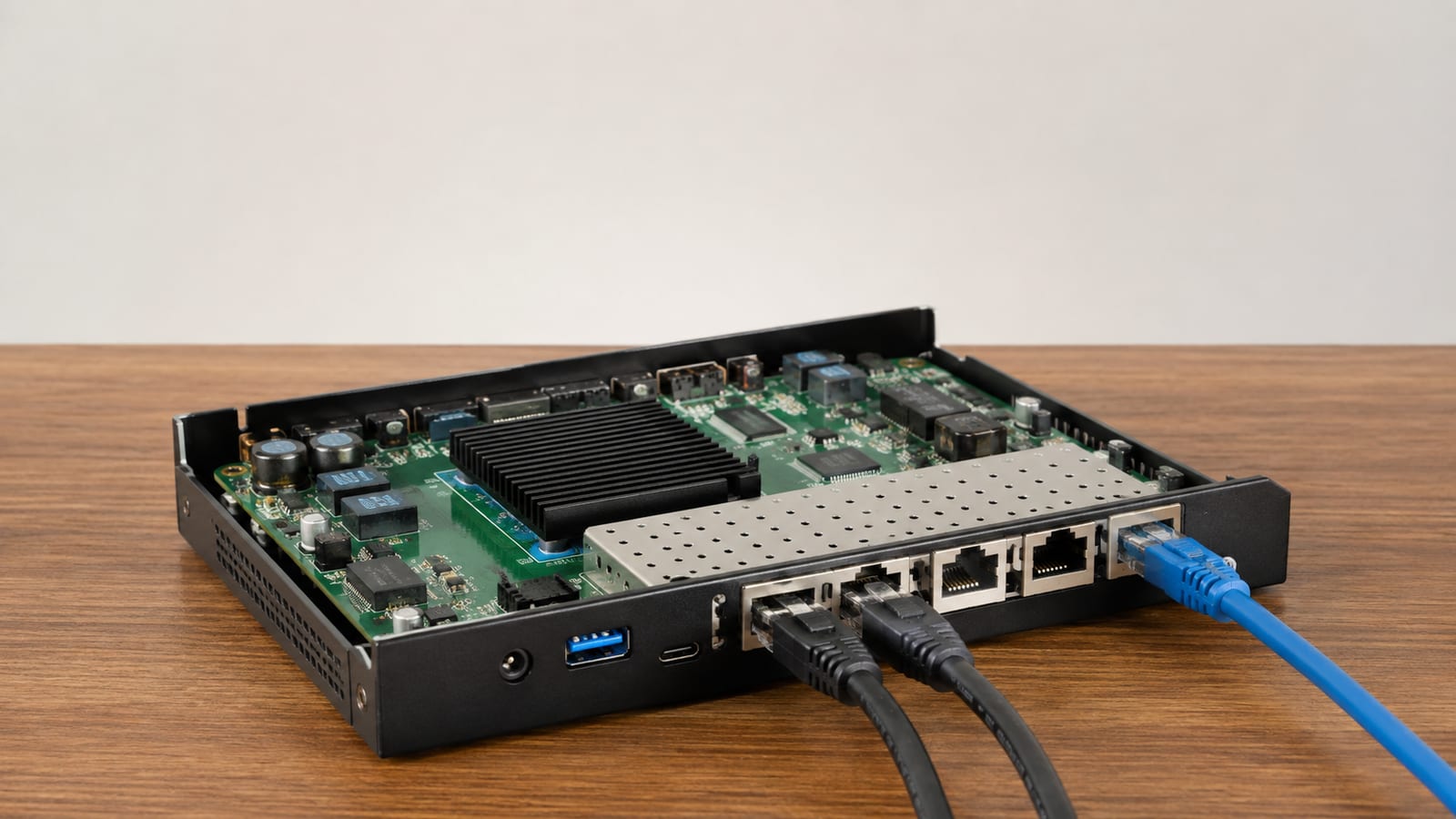
Correlate throughput with CPU activity. A busy CPU without a matching throughput plateau proves little.
Open another SSH session during the test and run:
top
cat /proc/loadavg
cat /proc/interrupts
cat /proc/softirqs
top shows which processes are consuming CPU time. /proc/loadavg shows queued work over time, although it does not identify the culprit. The interrupt and soft-interrupt counters show where network packet handling is accumulating.
Capture the counters before and during a run. If one network interrupt line climbs rapidly, interrupt placement may deserve attention. If pppd grows busy while throughput flattens, MPPE and PPP processing are stronger suspects.
Do not read total CPU use and stop there. A low total can hide concentrated work, while high total use may come from Smart Queue Management, ad blocking, monitoring, or another service.
I also stop unrelated jobs before the comparison. Otherwise, you are measuring PPTP plus everything else the router happened to be doing.
Packet steering on OpenWrt
Leave packet steering alone until you have a baseline. Then test it both ways and keep the setting that improves sustained throughput without raising loss or latency.
Packet steering distributes network packet processing across available CPUs. It can help busy multi-core routers when interrupts and software packet work collect in the wrong place. However, it does not make MPPE cheaper or remove PPP and GRE processing.
Check the configured state with:
uci show network | grep -i packet_steering
cat /proc/interrupts
cat /proc/softirqs
The UCI output tells you whether OpenWrt has packet steering configured. The counter files show whether packet processing is spread out or remains concentrated.
Change the setting through LuCI under the global network options, restart networking, and rerun the same benchmark. Do not change flow offloading, queue management, and packet steering in the same pass. You will not know which change mattered.
Packet steering and flow offloading are also different features. Steering changes where software work runs. Flow offloading tries to shorten the forwarding path. Neither guarantees faster PPTP because the tunnel still needs PPP, encryption, and GRE handling.
For ordinary routing, steering may improve OpenWrt performance. For PPTP, treat it as supporting work around the tunnel, not a cure for the tunnel itself.
irqbalance and interrupt placement
irqbalance may improve interrupt placement on supported multi-core hardware. It does not accelerate encryption.
First, inspect /proc/interrupts during an iperf3 run. If network interrupts remain concentrated and other CPUs have room, testing irqbalance is reasonable.
OpenWrt 24.10 and older releases use opkg. Newer builds that ship the Alpine Package Keeper (APK) use apk, as explained in the OpenWrt package manager change notice.
Run this first:
command -v apk || command -v opkg
That tells you which package manager exists on the installed build. If it returns apk, install the package with:
apk update
apk add irqbalance
If it returns opkg, use:
opkg update
opkg install irqbalance
Then enable and start the service:
/etc/init.d/irqbalance enable
/etc/init.d/irqbalance start
/etc/init.d/irqbalance status
The final command confirms whether the service is running. Then repeat the same upload and download tests and compare the interrupt counters.
Keep it only if the benchmark improves. Some platforms already place interrupts sensibly. Others expose too little control for irqbalance to help. Installing it because a tuning guide listed it is cargo cult with a daemon attached.
Packet steering and irqbalance can also interact. Test each change separately, then test the useful settings together. That is slower than toggling everything at once, but the result survives the next troubleshooting session.
Logs and counters for broken PPTP setups
Read pppd and kernel messages before editing firewall rules. PPTP failures usually leave evidence.
Run:
logread -e pppd
logread -e pptp
dmesg | tail
ip -s link show <ppp-interface>
logread shows authentication, negotiation, disconnects, and PPP option failures. dmesg reads recent messages from the kernel ring buffer. Interface counters show errors, drops, and whether bytes are moving in both directions.
Next, inspect routes and policy rules:
ip route show table all
ip rule show
ifstatus <network-interface>
That tells you whether OpenWrt installed the expected tunnel route. It also exposes policy routing that sends some clients around the tunnel.
For GRE state, use connection tracking if the tool is installed:
conntrack -L -p gre
No GRE entry during active traffic points toward firewall, NAT, or upstream pass-through trouble. An entry alone does not prove healthy throughput, but it confirms that connection tracking sees the tunnel.
Finally, watch the WAN and PPP interfaces together:
tcpdump -ni <wan-interface> gre
tcpdump -ni <ppp-interface>
If packets appear on PPP but not WAN, inspect the local firewall and route. If they leave WAN and nothing returns, check the upstream gateway, remote server, or carrier path. For deeper captures, use a controlled OpenWrt packet capture workflow rather than staring at a browser spinner.
MTU, MSS, NAT, and firewall limits
Do not lower the maximum transmission unit (MTU) at random. First prove that packets are too large for the tunnel path.
Check the PPP interface:
ip link show <ppp-interface>
ip -s link show <ppp-interface>
Then test a packet that must not fragment:
ping -M do -s <payload-size> <remote-address>
Reduce the payload between runs until it passes. If the command is unsupported by your BusyBox build, check ping --help and use a full ping package or tracepath from a host behind the router.
A bad MTU often looks like this:
- Small requests work.
- Large downloads stall.
- Some websites load while others hang.
- TCP retransmissions rise.
- Interactive traffic feels normal until a transfer grows.
Maximum segment size (MSS) clamping can keep TCP packets within the tunnel path. However, clamping every interface to a guessed value hides the route problem and can reduce throughput further.
Inspect the active firewall rules:
nft list ruleset | grep -i mss
uci show firewall
On older firewall stacks, inspect the saved iptables rules instead. Check whether clamping applies to forwarded TCP traffic on the tunnel path, not to unrelated interfaces.
NAT adds another failure point. Compare the OpenWrt WAN address with the address visible at the upstream gateway. If another router sits in front, confirm that it passes PPTP and GRE correctly. “PPTP pass-through” labels on consumer gateways are claims, not packet captures.
Encryption is not the tuning knob
Weakening or disabling encryption is not a production fix. It may reduce CPU work, but then you have kept PPTP while removing the part that was meant to protect the traffic.
First, confirm what pppd negotiated:
logread -e pppd
ps w | grep '[p]ppd'
uci show network | grep -i -E 'pptp|mppe'
The logs should show whether MPPE was requested, accepted, rejected, or renegotiated. The process and UCI output show the active client and configured options, although generated PPP options vary between OpenWrt builds.
Do not assume a configuration file was honored because the tunnel connected. PPP peers negotiate options, and the remote side can reject what you asked for.
PPTP also has old security failures tied to its authentication and encryption design. Paying CPU cost for obsolete protection is a poor trade. If you control both endpoints, move the service instead of weakening MPPE.
A connected client can still route badly
A connected PPTP client can still use the wrong route, resolver, or source address. Check those before blaming encryption.
Run:
ip route get <remote-service-ip>
ip rule show
nslookup <internal-name>
ip addr show <ppp-interface>
The route lookup shows the actual outbound interface and source address. Policy rules explain why selected clients or destinations take a different table. The DNS test confirms whether internal names resolve through the intended server.
For a bound throughput test, use the tunnel address:
iperf3 -c <server-ip> -B <tunnel-address>
Binding removes route ambiguity. If the bound test works but the normal test does not, the tunnel can carry traffic. Your route or policy is wrong.
Also inspect partial tunnels. A default route may point through PPTP while local DNS still uses the WAN. Conversely, a split route may cover an internal network but miss the actual test server.
For per-device traffic, OpenWrt bandwidth monitoring helps confirm which client used the tunnel. Use it after checking routes, not instead of checking routes.
When is replacing the hardware the right fix?
Replace the hardware when the wired baseline is healthy, PPTP throughput plateaus, and CPU activity rises with that plateau. At that point, firewall polishing will not change the amount of PPP and MPPE work required.
A faster processor may raise the ceiling. However, more CPU cores alone do not guarantee a faster PPTP session. Architecture, clock speed, kernel path, interrupt handling, and the protocol implementation all matter.
Protocol choice often buys more than hardware. For context, a MikroTik hAP ac with a Qualcomm Atheros QCA9558 MIPS processor at 720 MHz measured 35.1 Mbps with WireGuard on OpenWrt 24.10.0. A TP-Link Archer C7 v2 running OpenWrt 23.05.5 measured 31 Mbps with WireGuard.
Those are WireGuard results, not promised PPTP figures. Do not paste them onto another router or protocol. They show why the exact hardware, build, and VPN stack belong in every OpenWrt performance benchmark.
Before buying anything, run the controlled baseline, tunnel test, CPU check, and packet capture. If the bottleneck follows PPTP but disappears with another protocol, replace the protocol first.
Choosing PPTP, L2TP, OpenVPN, or WireGuard
Use WireGuard when you control both ends. Keep PPTP only for a legacy peer you cannot replace, and treat that tunnel as temporary.
| Protocol | CPU cost on small routers | Security position | My judgment |
|---|---|---|---|
| PPTP with MPPE | Often high for the protection delivered | Obsolete and weak | Skip for new deployments |
| L2TP alone | Encapsulation without useful confidentiality | Not a secure VPN by itself | Do not deploy alone |
| L2TP with IPsec | More protocol layers and configuration | Can be secure when configured correctly | Use only for compatibility |
| OpenVPN | Often CPU-heavy in user space | Mature and widely supported | Keep when compatibility requires it |
| WireGuard | Usually efficient in the kernel | Modern design | Preferred option |
L2TP is often described as a PPTP replacement, but Layer Two Tunneling Protocol alone does not provide encryption. The secure deployment is L2TP with IPsec, which adds more moving parts and more places to misconfigure routes and firewall rules.
OpenVPN remains useful where servers and clients already support it. However, small routers can spend substantial CPU time on its encryption and user-space packet path.
WireGuard’s protocol design is smaller and easier to audit. More importantly for this problem, it avoids keeping PPTP alive through another round of OpenWrt optimization.
FAQ
Does more RAM increase PPTP speed?
No. More memory can help a router run extra services, larger connection tables, and monitoring tools. It does not reduce the encryption and encapsulation work performed for each tunneled packet.
Choose hardware for processor performance and supported VPN protocols. A large memory figure beside a weak CPU is still a weak VPN router.
Should I disable Smart Queue Management during a PPTP test?
Disable it for a diagnostic comparison, then turn it back on and test again. Smart Queue Management consumes CPU because it schedules traffic and controls queue delay.
If PPTP becomes faster without it, the router lacks enough processing headroom for both jobs. However, leaving queue management off may restore throughput while making latency worse under load. Decide which problem matters, or move the VPN to stronger hardware.
Why are PPTP upload and download speeds different?
The directions use different receive, transmit, interrupt, NAT, and remote-server paths. Your internet connection may also be asymmetric before PPTP enters the picture.
That is why I keep the plain forward and reverse baselines. If the same imbalance exists without the tunnel, PPTP did not create it.
Can Wi-Fi make PPTP look slower than it is?
Yes. Radio interference, retransmissions, client power saving, and weak signal can cap the test before PPTP reaches its own limit.
Run the benchmark over wired Ethernet first. Once the tunnel result is stable, repeat over Wi-Fi to measure the radio separately.
Can several PPTP clients use the router more efficiently?
They may spread work differently, but they still share the same CPU, firewall, NAT, and WAN path. Aggregate throughput can improve or collapse depending on scheduling and packet load.
Measure concurrent clients with separate iperf3 sessions and watch latency as well as total throughput. Do not assume that several acceptable individual tests will remain acceptable when they run together.
Related on this blog
Related: A Practical Iperf3 Method for Linux Server Speed Tests
