

Build an X86 OpenWrt Router That Handles SQM
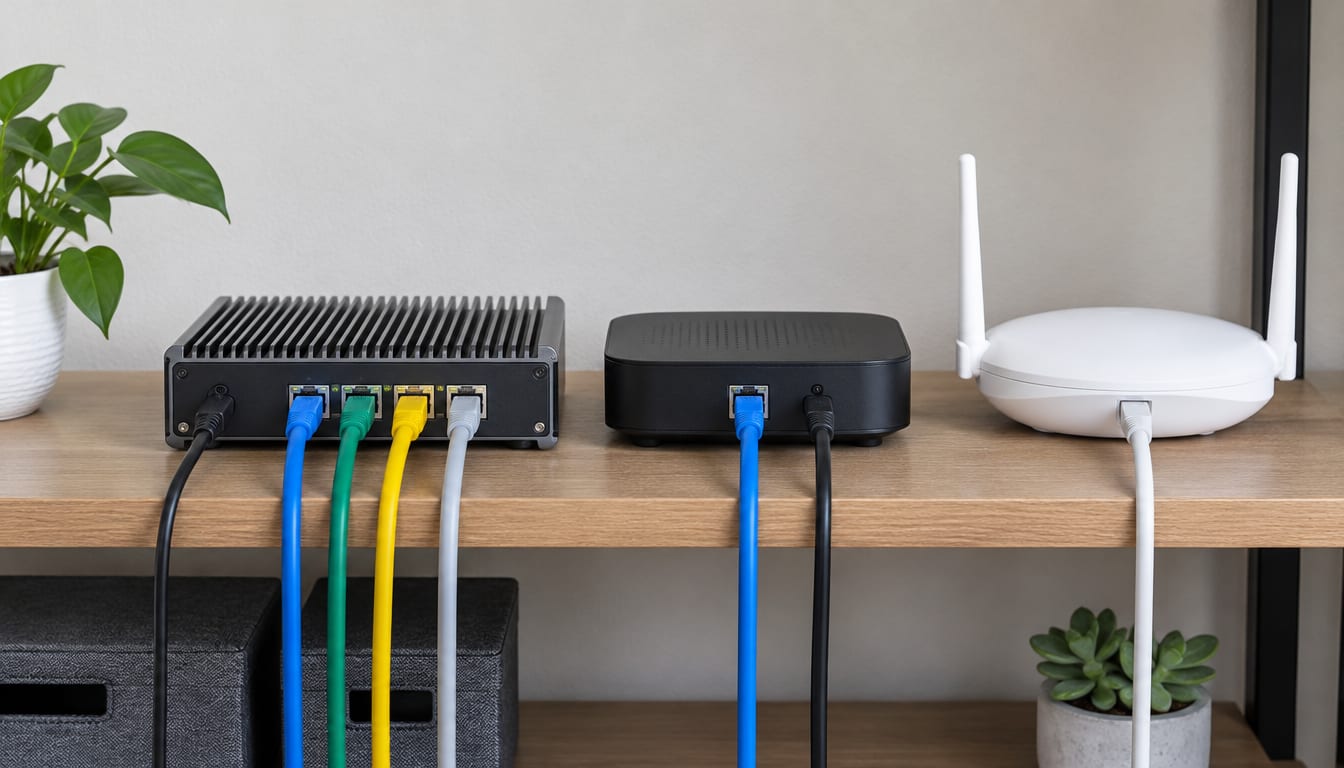
Run OpenWrt on x86 when your internet line has outgrown consumer router hardware, and choose the box by its network cards before anything else. A used thin client or a fanless mini PC with Intel NICs will route, shape traffic and run a VPN at speeds that make a cheap ARM router choke. You pay for that in power draw, Wi-Fi that isn't worth using, and upgrades that punish you for skipping the backup.
Is OpenWrt on x86 worth it?
It's worth it if you have a fast connection and want SQM, WireGuard and an adblocker running together without the router falling over. SQM (smart queue management, usually the cake shaper) is what kills bufferbloat, the lag spike you get when someone starts an upload. Here is what happens on a consumer router. Its speed comes mostly from hardware offload, and once SQM is on, that offload stops helping. Every packet then lands on a modest ARM CPU.
An x86 box simply has more CPU to spend. That headroom is the whole reason to do this.
Skip it if your current router already holds your line speed with SQM switched on. Skip it too if you want everything in one box, including good Wi-Fi. A homebuilt gateway also makes you the help desk for everyone on the network, so be honest about whether you want that job.
Good fits:
- A fast connection where SQM pins your current router's CPU
- PPPoE fibre or DSL with VPN and traffic shaping on top
- A home lab that needs VLANs, lots of firewall rules, or eBPF tooling
- Someone who already keeps an old mini PC or thin client in a drawer
Pick the network cards before the CPU
Get lspci -nnk output from the exact model before you buy. Boot a live Linux USB on it, or find someone who owns the same unit. That command lists every network controller, its vendor and device IDs, and the kernel driver bound to it. It tells you more than any spec sheet.
Intel controllers on the igb and igc drivers are the safe pick. Intel's newer multi-gig chips had a rough early run with link drops, so search for reports on the exact revision before trusting one. Realtek parts work, but their drivers and firmware have produced far more forum threads over the years. USB Ethernet adapters belong in the lab, because they drop under load at the worst possible moment.
You need a WAN port and a LAN port at minimum. A box with a lone NIC can still work as a "router on a stick," with WAN and LAN as VLANs on a managed switch. However, that link now carries all routed traffic in both directions, so it becomes your ceiling.
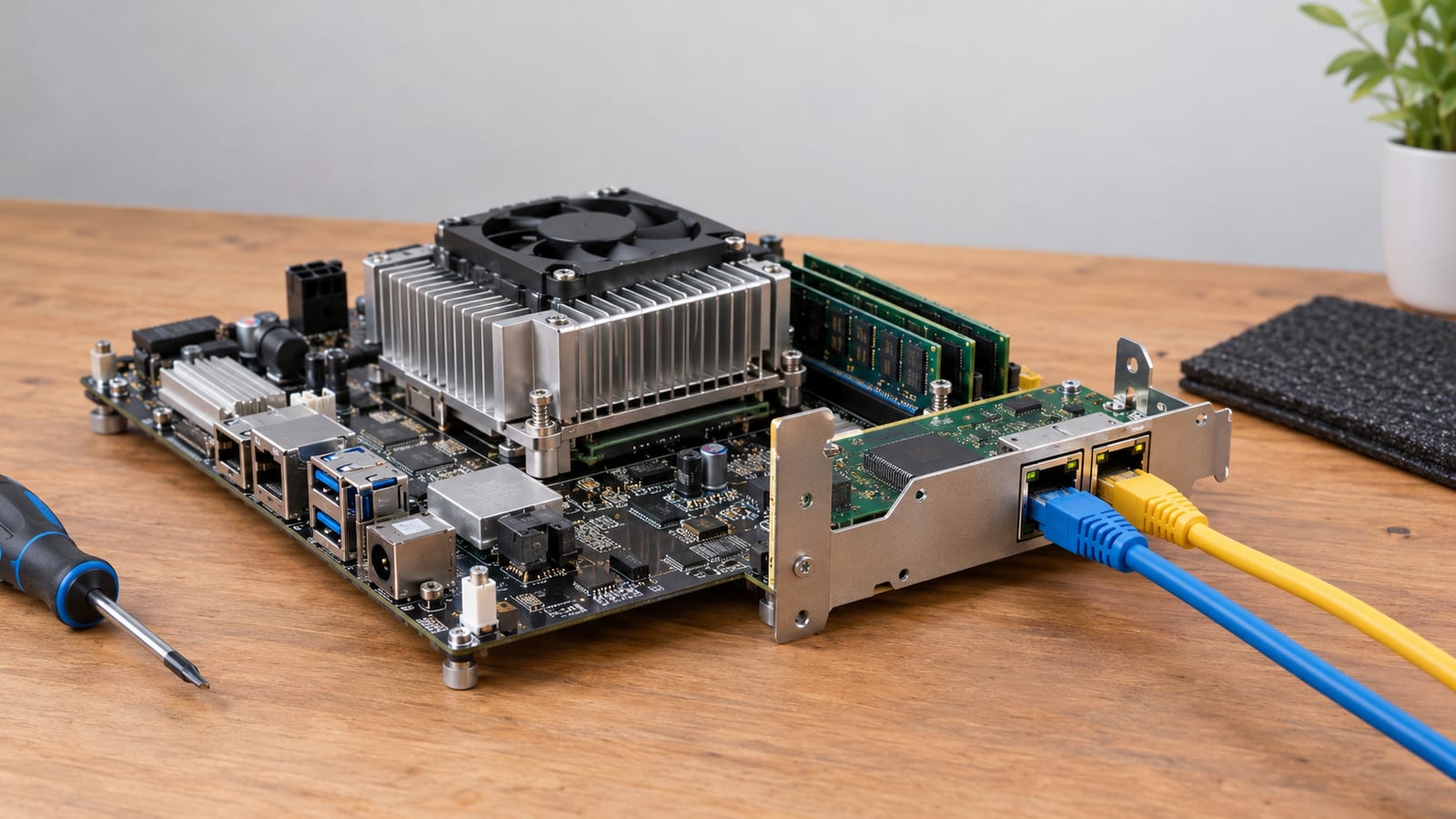
Small boxes sometimes have room to add ports. A spare M-key slot can take an add-in Ethernet card, but check that the slot is wired for PCIe. Some are SATA-only, and the card just won't show up in lspci.
How much CPU do SQM, PPPoE and VPNs need?
More than plain routing, and the load doesn't spread evenly across cores. That uneven load catches people who bought a many-core chip expecting it to scale.
SQM with cake does real work on every packet, and the cost climbs with line speed. PPPoE (Point-to-Point Protocol over Ethernet), which many DSL and fibre providers still use, adds encapsulation work on top. On many setups it piles onto whichever core handles the NIC interrupt. As a result, per-core speed matters more than the core count on the box label.
Check this with a real test before blaming anything else. Install htop and watch the per-core bars while you run a speed test:
opkg update && opkg install htop
apk update && apk add htop
Older releases ship opkg, and newer ones moved to apk, so use whichever your image has. A core pinned near full while the others idle tells you per-core speed is your limit. If every core is busy, you've simply run out of CPU.
For VPNs, pick WireGuard. It runs inside the kernel and is cheap per packet. OpenVPN runs in userspace, so it pays to copy every packet across the kernel boundary, and on the same hardware it's much slower. I'd only keep OpenVPN around for a remote end that can't speak anything else.
Use the headroom for things ARM can't carry
The spare CPU on an x86 router is what makes heavier tooling practical. Tracing and early packet filtering that would choke a small ARM board run comfortably here. If you want to go that way, my guide to building the OpenWrt eBPF toolchain covers the kernel config you need.
That post assumes you already have a target to build for, and this one gets you the target. From there, an XDP firewall that drops packets early is a good next project. A generic x86 kernel and a decent NIC driver make it far less painful than on embedded hardware.
RAM, storage and power
RAM
Any x86 box you'd consider has more RAM than OpenWrt needs for routing. RAM only starts to matter with big adblock lists, a busy conntrack table (the kernel's record of every open connection), or containers you bolt on. Check what you're actually using:
free -m
cat /proc/sys/net/netfilter/nf_conntrack_count
Storage
The images are tiny. For example, the 21.02.3 x86/64 generic-ext4-combined image was about 10,168.1 KB compressed. Any small SSD or industrial flash module is plenty. OpenWrt keeps its system log in RAM by default, so disk wear is low. Cheap USB sticks still fail in boring ways, though, so don't boot your gateway from one.
Power
This is the cost the forum posts skip. An x86 box draws more at idle than an ARM router, and an old desktop tower draws a lot more. Because a router runs around the clock, that gap shows up on the electricity bill. Put a plug-in power meter on the candidate before you commit, and favour a fanless mini PC or thin client over a repurposed tower.
Choose the right x86/64 image
The x86/64 target has a handful of images, and the naming tells you everything:
| Image | Root filesystem | Firmware | When to use it |
|---|---|---|---|
generic-squashfs-combined-efi | read-only squashfs plus writable overlay | UEFI | Default pick for modern hardware |
generic-ext4-combined-efi | plain ext4 | UEFI | You want to resize or edit root freely |
generic-squashfs-combined | squashfs plus overlay | legacy BIOS | Older machines without UEFI |
generic-ext4-combined | plain ext4 | legacy BIOS | Older machines, resizable root |
rootfs and kernel files | either | n/a | VMs and custom boot setups |
Take generic-squashfs-combined-efi unless you have a reason not to. Squashfs keeps a pristine read-only base under a writable overlay, so firstboot gives you a real factory reset. The ext4 images have no overlay. You can't roll back from a bad config, and you'd be reflashing instead.
Always run a stable release on a gateway, never a snapshot build. Releases live on the OpenWrt downloads server under a versioned path. The 25.12.3 images, for example, sit under releases/25.12.3/targets/. Point releases keep coming, so go up to the releases/ directory and take the newest stable one listed.
Install it without guessing
The official OpenWrt x86 installation guide covers edge cases. This is the order I'd follow:
- In the firmware setup, switch to UEFI mode and turn off Secure Boot. The image isn't signed for it.
- Boot a live Linux USB on the target and run
lsblkto identify the internal disk. Get this wrong andddwipes the wrong drive without asking. - Download the image and its checksum, then verify it.
- Write the image to the whole disk, not a partition.
sha256sum openwrt-*-x86-64-generic-squashfs-combined-efi.img.gz
gunzip openwrt-*-x86-64-generic-squashfs-combined-efi.img.gz
sudo dd if=openwrt-x86-64-generic-squashfs-combined-efi.img of=/dev/sdX status=progress conv=fsync
gunzip will likely complain about trailing garbage. That's padding in the image and it's harmless, which is a fine thing for a decompressor to scream about.
Find out which port is LAN
Here is where most x86 installs stall. OpenWrt picks its default LAN and WAN from the order the kernel found the NICs. That order often doesn't match the labels printed on the case. So plug a monitor and keyboard into the box and check from the console:
ip -br link
uci show network | grep device
The output tells you which interface sits in the LAN bridge and which is WAN. If they're backwards, swap the device names in /etc/config/network and run service network restart.
If a NIC doesn't appear at all, run dmesg | grep -i -e firmware -e eth. A missing driver means you need its kmod package, which you can't download without a working network. So bake it in up front using the Firmware Selector or the Image Builder.
Leave Wi-Fi to a separate access point
Don't put Wi-Fi in the x86 box. Mini PCs usually ship with Intel cards, and many refuse access-point mode on some bands because their firmware, not the host, enforces the regulatory rules. Cards with better drivers still end up inside a metal case with stubby antennas.
Instead, buy a router with solid OpenWrt support and run it as a dumb access point. Give its LAN a static address in your subnet. Then switch off its DHCP server and firewall, and cable it to a LAN port on the x86 box. Routing stays on hardware with CPU to spare, and radios go where you can place them for coverage.
Bare metal or a virtual machine
For the household gateway, I'd run bare metal. A VM router goes down every time the host reboots for a kernel update, and the whole network goes with it.
A VM makes sense if you already run a hypervisor and accept that coupling. Pass the physical NICs through to the guest for full performance, or use virtio bridges if you'd rather keep the ports on the host. I've written up a clean OpenWrt VM design for Proxmox VLANs if you go that route.
Upgrades are where x86 installs bite
Take a backup before every upgrade:
sysupgrade -b /tmp/backup.tar.gz
Copy that file off the box. Then record what you installed, because a sysupgrade with a stock image keeps your config but drops your extra packages. Rebuild a custom image with those packages, or use attended sysupgrade, which requests a matching build for you.
If you grew the root partition on an ext4 image, a sysupgrade with the combined image can write the stock partition layout back. That makes your expanded space disappear. Plan for it or leave root at its default size.
FAQ
Can OpenWrt share a disk with another operating system?
It can, but don't do it on a gateway. The combined image expects to own the whole disk, and a sysupgrade rewrites the partition table. If you want other services on the same hardware, run a hypervisor and give OpenWrt its own VM.
Can I run Docker on an x86 OpenWrt router?
Packages for dockerd exist, and the hardware will cope. Still, every container you add widens the attack surface on the box facing the internet. Containers belong on a separate machine or a VM, where a broken image can't take your routing down.
How do I grow the root partition?
Use an ext4 image, boot a live USB, and extend the root partition with parted. After that, run resize2fs on it while it's unmounted. Expect to redo this after major upgrades. Check the result with df -h once OpenWrt boots.
Can I copy the config from my old router?
Not wholesale. Interface and device names differ between hardware targets, so an old /etc/config/network will point at ports that don't exist. Copy the firewall rules, DHCP reservations and Wi-Fi settings by hand, then confirm each with uci show.
