

Run Linux on Pixelbook Go: Crostini vs Native Mode
Yes, the Pixelbook Go runs Linux, and you have two honest paths to it. The easy one is Crostini, the Debian container ChromeOS ships behind a virtual machine called Termina. The hard one is full native Linux through developer mode and a custom kernel. Crostini gives you a real Debian userspace with none of the risk; native gives you real hardware access and hands you the stability and warranty bill. Pixelbook Go Linux is not a lie in the marketing, but the shape of it matters, and most guides skip the part where things break.
Can you actually run Linux on the Pixelbook Go?
You can, and for most people Crostini is the right answer. Turn it on in Settings and ChromeOS spins up a Debian container inside the Termina VM. You get apt, a shell, and a home directory that survives reboots. That covers editors, compilers, and most command-line work without touching developer mode.
The other path is full native Linux: enable developer mode, open firmware access, and flash a custom kernel or a distro built for the hardware. This gets you direct access to the GPU, the trackpad, the Wi-Fi chip, all of it. It also voids the clean ChromeOS update path and can leave you with a black screen after a firmware write. I reach for it only on a machine I am willing to brick.
Set expectations before you start. There is no out-of-the-box GPU acceleration in the container, no free Android-to-Linux GUI interop, and no simple heavy-app performance. Each of those is a project, not a checkbox. The kernel and firmware are locked down by design, so anything that wants a custom kernel module or raw device access hits that wall first.
What separates the Crostini container from a native install
Architecture. Crostini does not run Debian on the metal. It runs Termina, a stripped VM managed by ChromeOS, and inside that VM a Debian container under LXD. Your terminal sits two layers deep: container, then VM, then the ChromeOS host. That nesting is the whole reason "native Linux" claims about Crostini are wrong.
Prove it yourself. Run uname -a inside the container and you see the Termina kernel, not a mainline Debian one. Run strace ls and watch the syscalls resolve normally, because userspace works fine. Then try to load a kernel module or read a raw /dev device and you hit the sandbox boundary hard. dmesg inside the container is nearly empty, because the kernel ring buffer belongs to the VM, not to you.
That boundary is the point of Crostini and also its ceiling. You get a genuine Debian userspace, isolated so a bad apt command cannot wreck ChromeOS. You do not get the kernel. Anything that depends on a specific module, a device node, or GPU passthrough will either fall back to software or fail outright. Knowing which layer owns the failure saves you from chasing a fix in the wrong place.
Enabling and troubleshooting the Debian environment
Start in Settings, under Developers, and turn on the Linux (Debian) environment. ChromeOS downloads Termina, builds the container, and drops you at a shell. First thing after it opens, run sudo apt update. If that works, your networking and DNS inside the container are fine and you can move on.
When it fails to start, the usual suspects are a stalled container build or an LXD error. Do not factory reset the Chromebook; that is the cargo-cult fix and it destroys your files for nothing. Open a crosh terminal with Ctrl+Alt+T, type vmc start termina, then lxc list to see whether the container even exists. An LXD error there tells you the build stage broke, not your Linux setup.
Mount failures are the other common wall. Shared folders from ChromeOS mount into the container over a virtual filesystem, and if a share vanishes you lose access to /mnt/chromeos. Re-share the folder from the Files app rather than editing anything by hand; there is no fstab you should be touching inside a managed container. When a Debian app cannot see your Downloads folder, it is almost always an unshared directory, not a permission bug.
If the container is truly wedged, remove and rebuild it from Settings before you nuke anything larger. You lose the container's home directory, so back up first with a shared folder. That is a scalpel; a factory reset is a shotgun.
Can it replace a full Linux laptop for travel and daily dev work?
For travel and remote work, yes; as your only heavy-lifting machine, no. The Pixelbook Go is a genuinely good writing and coding travel laptop. It is light, the battery lasts through a work day, and the keyboard is one of the better ones on any Chromebook. For SSH-into-a-server work, git, and a text editor, it is more than enough.
The limits show up when the work gets local and heavy. RAM is the ceiling. The lower-spec models feel cramped the moment you run a container and a browser and an editor at once, and you cannot add more later. Thermals are the second wall; the fanless and low-power designs throttle under a long compile, so a big build takes longer than the specs suggest.
The honest split is where your compute lives. If your real workload runs on a server and the laptop is a thin client with a nice screen, the Pixelbook Go travels beautifully. If you need to compile large projects or run VMs locally, buy a laptop built for that and keep the Chromebook for the road. My travel setup pairs it with a remote box, and I deploy the heavy work to cloud hosting instead of fighting the thermal envelope.
Which development tools actually run well in Crostini
Anything that lives in userspace and talks over the network runs well. That covers most of a modern workflow:
- Editors: VS Code, Vim, Neovim, and Emacs all install and behave normally.
- CLI toolchains: Go, Rust, Node, and the standard build tools compile fine, RAM permitting.
- Git and SSH: flawless, because they were never asking the kernel for anything special.
- Docker and Podman: they run, but you are nesting containers inside the Termina VM, so expect rough edges and slower storage.
What breaks is anything reaching for the kernel or the GPU. A tool that needs a custom module, hardware virtualization with KVM, or direct GPU compute will either refuse to start or crawl in software rendering. USB device passthrough is limited and finicky, so hardware debugging with a physical probe is a bad fit here.
The practical rule I use: if the tool would run fine in a Docker container on a cheap VPS, it runs fine in Crostini. If it needs privileged access to the host kernel, it does not. When something fails, read the actual error before you assume the sandbox is at fault. Half the time it is a missing Debian package, not a limit of the platform, and apt fixes it in one line.
Does QGIS run properly, and what breaks first?
QGIS runs, but rendering is what breaks first. Install it through Flatpak rather than apt; the Debian in Crostini often ships an older QGIS, and the Flatpak build is current and self-contained. Add Flathub, then install the QGIS package and launch it from the container.
The first thing to break is the map canvas. Crostini has no real GPU passthrough, so QGIS falls back to software rendering through a virtual GPU. Panning and zooming a large vector layer feels sluggish, and 3D views are effectively off the table. For viewing, light editing, and running geoprocessing on modest datasets, it is usable. For heavy cartography with dozens of layers, it drags.
When QGIS crashes, do not guess. Launch it from the terminal instead of the app icon so you see the output. A crash on startup with a message about OpenGL or the display means the rendering backend, not your data; try forcing software rendering in QGIS settings. A crash mid-operation is more often memory, and you confirm that by watching free -h in another terminal while you reproduce it. Read the message the process actually printed before you reinstall anything.
Is it viable for a Python data science workflow?
For learning, prototyping, and modest datasets, yes; for large-scale training, no. Python itself is native and fast in Crostini. Set up a virtual environment with python3 -m venv and pip, and pandas, NumPy, and scikit-learn install and run without drama. Jupyter starts fine and serves in the ChromeOS browser at localhost.
Conda works but wants care. Miniconda installs cleanly inside the container; the friction is memory, not the installer. Building a fat conda environment plus running a browser plus a kernel will pressure the lower-RAM models fast. Watch free -h and expect the out-of-memory killer to reap your Jupyter kernel if you load a dataset that does not fit. When a kernel dies with no traceback, that is usually the OOM killer, and dmesg in crosh, not in the container, is where the evidence lives.
The honest verdict: this is a fine machine for teaching pandas, cleaning data, and building models on data that fits in memory. It is not where you train anything large. Push the heavy jobs to a server and use the notebook locally as the front end.
Running GDAL, GRASS, and the rest of the geospatial stack
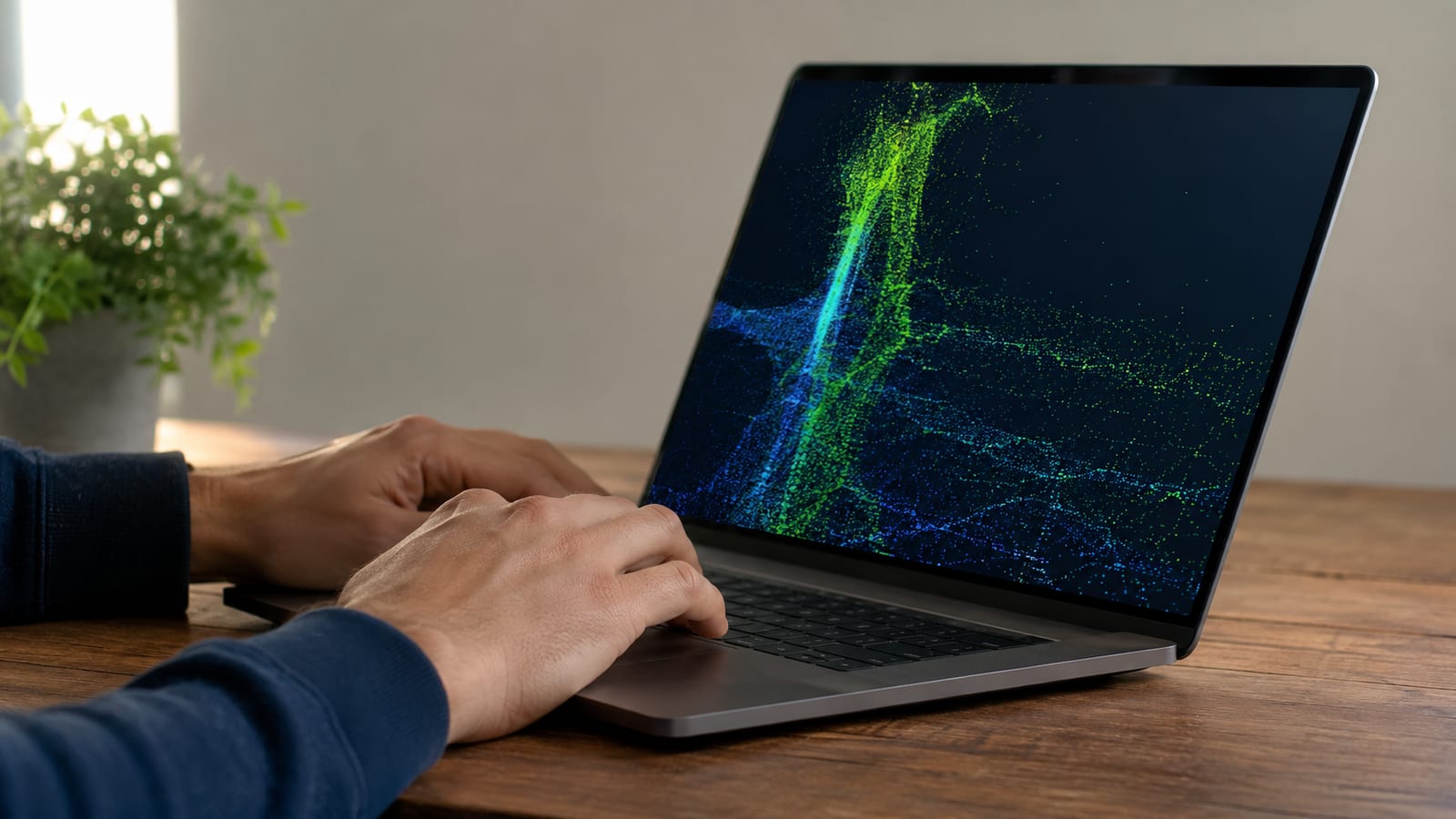
The command-line geospatial stack works better than the GUI apps, because it never asks for the GPU. GDAL installs from apt or comes bundled with the QGIS Flatpak, and gdalwarp, gdal_translate, and ogr2ogr all run at full speed on the CPU. For batch reprojection and format conversion, the Pixelbook Go is genuinely fine.
GRASS GIS installs and runs, with the same rendering caveat as QGIS: the interface is software-rendered and feels heavier than on native hardware, while the analysis modules run fine. PostGIS on top of PostgreSQL works well inside the container, since a database engine is exactly the kind of userspace workload Crostini handles cleanly.
The dependency gotcha is version skew. Mixing GDAL from apt with a Python geospatial library from pip can leave you with two GDAL versions that disagree, and you get import errors that look like bugs but are really a library mismatch. Install the Python bindings that match your system GDAL, or keep everything inside one Flatpak or one conda environment. When import osgeo fails, check the versions before you check anything else.
Do Android and Linux apps coexist well?
They coexist, but they barely talk to each other, and that trips people up. Android apps on ChromeOS run in ARC++, a separate runtime from Crostini's Termina VM. They are two different sandboxes with two different ideas of your filesystem. A Linux app and an Android app can be open side by side and still not see the same files.
File sharing is where it grinds. ChromeOS is the broker in the middle: you share a folder from the Files app to make it visible to Linux, and Android apps reach files through their own storage rules. There is no direct pipe from a Linux process to an Android app. Passing a file between them means routing it through a shared ChromeOS folder, and that friction is by design, not a bug you can fix.
For daily use this is fine if you keep the worlds separate. Android for consumer apps, Linux for your dev work, ChromeOS as the shell holding both. Where it genuinely breaks is any workflow that assumes one app can hand data straight to the other. Plan for the copy step and you will not fight it.
Should you install full native Linux instead?
Only if Crostini has genuinely run out of room and you accept the risk. Native Linux on the Pixelbook Go means developer mode, unlocked firmware, and a community kernel that supports the hardware. What you gain is real: a true kernel you control, actual GPU acceleration, kernel modules, and none of the VM nesting. That fixes the exact things Crostini cannot.
What you lose is the safety net. Flashing custom firmware can leave you at a blank screen, and recovery on these machines is not gentle. You give up the clean ChromeOS update path, and you inherit the job of chasing hardware quirks yourself: sleep, the trackpad, audio, Wi-Fi power management. When a custom kernel misbehaves, you are back to reading dmesg and the kernel ring buffer to work out which driver died, and knowing how to roll back a kernel update is not optional.
My call: for anyone using the Pixelbook Go as a working travel laptop, stay on Crostini. For a tinkerer who wants a project and has a second machine, native Linux is a great weekend and a real education in Linux kernel modules. Keep production work on the container that just works, and keep the firmware experiments on a machine you can afford to lose. That split is the difference between a reliable laptop and a support ticket you filed against yourself.
FAQ
Is the Pixelbook Go still worth buying for Linux work today?
It launched at around $649 and is now an older, discontinued machine, so buy used and check the ChromeOS update expiry date first. Once ChromeOS stops getting updates, Crostini stops getting security patches too. If the expiry date is close, the native Linux route or a newer Chromebook makes more sense.
Why is my Linux container slow after a ChromeOS update?
A ChromeOS update rebuilds parts of the Termina VM, and the first launch afterward is slow while the container settles. If it stays slow, open crosh, run vmc stop termina then start it again to force a clean boot. Check free -h inside the container too, because an update can leave a stale process holding memory.
Can I use a GPU for machine learning inside Crostini?
No, not for real compute. Crostini exposes a virtual GPU for display, not the raw device, so CUDA and similar frameworks have nothing to talk to. Train on a server with a real GPU and use the Pixelbook Go as the notebook front end over the network.
How do I back up my Crostini files before rebuilding the container?
Copy your work into a folder shared with ChromeOS, or use the built-in Linux backup export in Settings, which writes a .tini image to your Downloads. Do this before you remove the container, because rebuilding wipes the container's home directory. Storing your projects in a git remote makes the whole question moot.
Does developer mode delete my data?
Yes. Enabling developer mode on a Chromebook triggers a powerwash that wipes local storage, so back up anything on the device first. This happens before you touch native Linux, so treat it as the first destructive step, not an afterthought.
Related: Run Linux on iPad Pro: UTM VM Beats Native Boot
Related: Linux on Surface Book: Install the Right Kernel First
