

Sizing RAM for a Proxmox Host and Its Guests
Proxmox will install and boot on 2 GB of RAM, and that's the least useful number on the spec sheet. How much RAM Proxmox needs in practice is a sum. You need a host reserve for the kernel, the Proxmox services, and storage cache, plus the memory each guest actually works with. For any host I plan to keep, I start at 8 GB and size up from what the guests measure.
How much RAM does Proxmox need?
Proxmox VE needs at least 2 GB of RAM for the host itself, plus the memory you give your guests. For a host you'll keep, start at 8 GB. That covers a few gigabytes reserved for Proxmox, the kernel, and cache. The rest goes to the measured working memory of your VMs and containers.
The 2 GB figure comes from the Proxmox VE system requirements. That page says the minimum is for the OS and Proxmox VE services, "plus designated memory for guests." People quote the first half and skip the second. The 2 GB covers the host and not a single VM.
So treat 2 GB as an install target. A box that small can serve the web UI and maybe one tiny container. Once you start a real VM, the host and the guest fight over the same pages.
Here is the sizing model I use:
host RAM = host reserve
 + sum of each guest's measured working set
 + ZFS ARC cap (if the host runs ZFS)
 + headroom for spikes
Every section below fills in one term of that sum.
What an idle host actually spends
An idle Proxmox host uses more than a bare Debian install and less than most people fear. The kernel takes its share for slab caches, page tables, and network buffers. On top of that sit the Proxmox daemons: pveproxy, pvedaemon, pvestatd, and pmxcfs, the cluster filesystem. Each one is a long-running process that holds real memory. Add corosync if you cluster.
Run this first:
free -h
ps -eo rss,comm --sort=-rss | head -15
In free -h, the column that matters is available. That's memory the kernel can hand out without swapping, and it includes cache it can drop. The ps output lists resident memory in kilobytes for the largest processes. On an idle host you'll see the pveproxy and pvedaemon workers near the top.
Storage changes this picture more than anything else. ZFS keeps its cache, the ARC, in kernel memory, so it never appears in ps at all. Ceph is heavier again, because each OSD daemon wants several gigabytes of its own. If your storage stack is Ceph, count those daemons as part of the host before any guest gets a byte.
Reserve host memory before you hand out guest memory
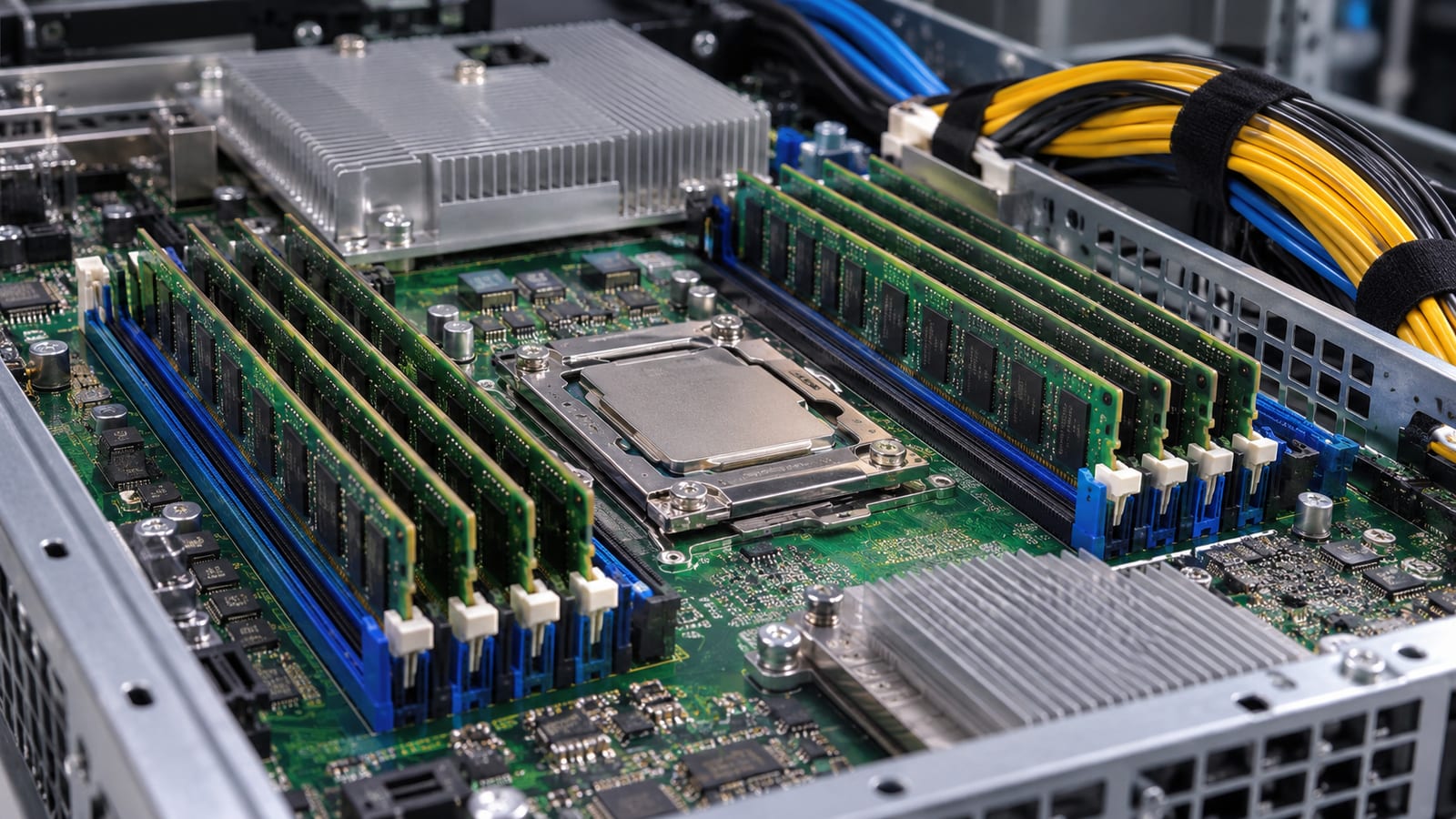
Take the host's share off the top, then divide what's left among guests. My reserve is the documented 2 GB plus a few more gigabytes for daemons, page cache, and slack. A ZFS host adds its ARC cap on top, and a Ceph node adds its OSDs.
Here is what happens when you skip this step and assign every installed gigabyte to guests. Nothing breaks on day one, because most guests sit below their ceilings. Then a backup runs, a VM boots, or a guest's page cache grows. The host starts reclaiming, swaps out QEMU pages, and stalls guest I/O while it does.
If reclaim can't keep up, the OOM killer steps in. It picks the process with the highest badness score, and on a Proxmox host that's almost always the largest QEMU process. Your biggest VM dies first, and it's usually the one you care about most. That outage looks like a random crash until you read the kernel ring buffer.
Why doesn't configured VM RAM match what's in use?
The memory field on a VM's Hardware tab is a ceiling. Four other numbers matter more, and they rarely agree:
- Configured memory: the most the guest can ever see.
- Minimum memory: the floor ballooning can shrink the guest to, if ballooning is on.
- Host RSS: what the
kvmprocess for that VM actually holds in host RAM. - Guest working set: what applications inside the guest need, minus cache.
A Linux guest fills idle RAM with page cache, which is correct behavior inside the guest. From the host's side, though, the VM creeps up to its full allocation and stays there. The host can't tell guest cache from guest data. Windows guests also tend to touch most of their memory early, so their host RSS jumps right after boot.
Check the gap for one VM, using VM 101 as the example:
qm config 101 | grep -E '^(memory|balloon)'
ps -o pid,rss,args -C kvm | grep -- '-id 101 '
qm status 101 --verbose | grep -A8 ballooninfo
Then run free -h inside the guest. If host RSS is high and the guest's own used is low, the difference is guest cache. The host can only get that back through the balloon driver.
Ballooning needs three things: the virtio balloon driver in the guest, a Minimum lower than the configured memory, and no PCI passthrough. A passthrough VM must keep all its memory pinned, so ballooning does nothing for it. Count those VMs at full size, always.
Overhead the allocation screen doesn't show
Every VM costs more host RAM than its assigned number. The QEMU process has its own code and heap. Device emulation, virtio queues, video memory, and I/O buffers add more, depending on the disk cache mode. The host also keeps page tables that map each guest's memory. I budget a little extra per VM, and more for VMs loaded with devices or a large virtual display.
Each VM also runs its own kernel with its own page cache. Ten small Linux VMs means ten kernels and ten caches, often holding duplicate copies of the same files.
Containers avoid the second kernel because LXC shares the host's. They still cost real memory, though. Their processes, their page cache, and the kernel memory they cause (dentries, inodes, socket buffers) are all charged to the container's cgroup. All of it lives in host RAM.
On a cgroup v2 host, read a container's actual charge directly, here for container 105:
cat /sys/fs/cgroup/lxc/105/memory.current
cat /sys/fs/cgroup/lxc/105/memory.events
memory.current is bytes in use right now, cache included. In memory.events, a nonzero oom_kill count tells you the container has hit its own limit. That's a sizing problem for that one container and says nothing about the host.
ZFS ARC changes the math
ARC is a cache. It grows into free memory and is supposed to shrink when something else needs room. Sized well, it makes VM disks fast. Left uncapped next to a host full of guests, it holds memory at exactly the wrong moment.
The old per-terabyte RAM rule for ZFS comes up in every forum thread. It came from deduplication and large enterprise pools. It's not a requirement for a home pool without dedup. A smaller ARC means fewer cache hits and slower reads that miss. It doesn't mean data loss or a pool that won't import.
The gotcha is timing. ARC gives memory back through the kernel's shrinker, and that can lag a sudden demand, such as starting a large VM. Reclaim can still be catching up when the OOM killer fires. The node summary in the web UI has also tended to count ARC as used memory, which makes a healthy host look nearly full.
Check what ARC holds and its current ceiling:
grep -E '^(size|c_max) ' /proc/spl/kstat/zfs/arcstats
Both values are in bytes. If the ceiling is crowding out guests, cap it. Recent Proxmox installers already set a cap on new ZFS installs, so check before you change anything. The value is in bytes too:
echo "options zfs zfs_arc_max=8589934592" > /etc/modprobe.d/zfs.conf
update-initramfs -u -k all

echo 8589934592 > /sys/module/zfs/parameters/zfs_arc_max
One quirk earns a mention. The OpenZFS module parameters documentation says zfs_arc_max is ignored if you set it at or below zfs_arc_min. The cap silently doesn't take, and the host keeps behaving as before. Re-run the grep line afterward and confirm c_max moved.
Cache helps until reclaim starts fighting it
Free RAM used as cache is working RAM. Page cache and ARC save disk reads, and the kernel drops them when processes need the space. A host showing little "free" memory is fine. The line you care about is where dropping cache stops being cheap.
That line shows up as reclaim pressure. Check it here:
cat /proc/pressure/memory
vmstat 1 10
The first command shows pressure stall information. The some line is the share of time at least one task waited on memory. The full line is time when every non-idle task was stalled at once. Short blips are normal, but a full line that stays above zero while guests are busy means the host is out of room.
In vmstat, watch the si and so columns, which show swap in and swap out. Swap-out of idle pages is mostly harmless. However, steady swap-in during normal load is the bad sign. The host is pulling back pages it threw away and needed after all. Guests feel that as I/O latency, and you'll hear about it as "the VMs are slow."
When is overcommitting memory safe?
Overcommit works when guests' peaks don't line up and the reclaimable slack is real and measured. It fails when the slack only exists on paper. Proxmox's auto-ballooning helps here. When host memory gets tight, pvestatd deflates ballooned guests toward their Minimum. It can only take what each guest can spare, though.
Overcommit tends to hold up when:
- Guests sit mostly idle, and you've watched that over weeks.
- The balloon driver is installed and each Minimum is realistic.
- No VM uses PCI passthrough.
- Backups, updates, and cron jobs run at staggered times.
It falls over when:
- Several guests hit peak load together, such as a shared nightly backup window or a fleet-wide update.
- Databases size their buffers to visible RAM and refuse to give them back.
- Java services run with fixed heaps, which the balloon can't shrink.
- Any guest's Minimum is set below what its workload needs to stay alive.
Correlated demand is the killer. Five guests that each idle at a quarter of their allocation look like easy overcommit. If all five run the same job at the same hour, you're back to needing their full size at once.
Measure from the host and from inside each guest
One dashboard percentage tells you almost nothing. The host view and the guest view each lie in different ways, so read both.
| Counter | Where | What it tells you |
|---|---|---|
available in free -h | Host and guest | Memory usable without swapping, cache included |
/proc/pressure/memory | Host and guest | Whether tasks are stalling on memory right now |
si/so in vmstat 1 | Host and guest | Swap traffic, where sustained swap-in is the warning |
kvm process RSS | Host | What each VM actually holds in host RAM |
memory.current in the guest's cgroup | Host | Container or VM charge, cache included |
ARC size in arcstats | ZFS host | How much the storage cache currently holds |
MemAvailable in /proc/meminfo | Linux guest | The guest's own idea of headroom |
| Committed memory in Task Manager | Windows guest | What Windows has promised its applications |
VMs live under /sys/fs/cgroup/qemu.slice/<vmid>.scope/ and containers under /sys/fs/cgroup/lxc/<ctid>/. Sample these numbers during your busiest hour, not at a quiet moment on a Sunday afternoon. A working set measured at idle will undersize every host you build from it.
Read the logs before you blame RAM
Plenty of "out of memory" problems are something else. The logs separate them in a few minutes. Start with the kernel:
journalctl -k -b | grep -iE 'out of memory|oom-kill|killed process'
dmesg -T | grep -i -A3 'invoked oom-killer'
A line like Killed process 12345 (kvm) means host-wide exhaustion took out a VM. That's a real host sizing problem. If the message says Memory cgroup out of memory and the context names an lxc path, a container hit its own limit while the host was fine. Raise that container's memory and leave the host alone.
If nothing shows on the host but a guest app died, look inside the guest. A guest-level OOM in the guest's own journalctl -k means the VM is undersized, or ballooning squeezed it below its working set. Raise the Minimum before you touch hardware.
Then rule out the lookalikes:
- Memory leak: one guest's RSS climbs steadily across days with no change in load. More RAM only delays the crash.
- Storage stall:
cat /proc/pressure/ioshows heavy waiting while memory pressure stays low. Slow disks feel like a RAM shortage and aren't one. - Bad hardware: random segfaults, ZFS checksum errors, and crashes with no OOM line at all. Run a full pass to test your RAM with Memtest86 before you buy more of it.
Starting budgets for common hosts
These are where I'd start, built from the sizing sum above. Your measured working sets override them the moment you have real numbers.
| Host | Typical workload | Starting RAM | Where it goes |
|---|---|---|---|
| Test box | Proxmox plus one or two light containers | 8 GB | Host reserve, small guests, a little cache |
| Modest homelab | Router VM, a few containers, one general VM | 16 GB | Reserve plus guests with spike headroom |
| ZFS-backed server | Storage pool plus several guests | 32 GB | Capped ARC, reserve, and guests |
| Several busy VMs | Databases, Windows VMs, build runners | 64 GB or more | Measured working sets plus generous headroom |
A router VM is one of the cheapest guests you'll run, which is why it fits on a modest homelab host. If that's on your list, a clean OpenWrt VM design for Proxmox keeps it lean. The busy-VM row is where overcommit stops being worth the risk. Size it for the sum of peaks.
If you're still choosing hardware, buy for open DIMM slots as much as for today's capacity. A board that's already full forces a swap of every stick later, and that's the expensive way to upgrade. The tradeoffs are covered in when to build your own server.
When more RAM is the right fix
Add memory when the host shows these signs under normal load:
- The
fullline in/proc/pressure/memorystays above zero during ordinary work. vmstatshows steady swap-in while guests are busy.- The kernel log shows the OOM killer taking out
kvmprocesses. - ARC is already capped sensibly and its hit rate still collapses, which
arc_summaryreports. - Ballooned guests already sit at their Minimum and
availablestill runs near empty.
Some things aren't reasons to buy RAM. A node graph that looks nearly full is usually ARC and page cache, and that's healthy. One container hitting its own cgroup limit needs a bigger limit for that container. A guest whose RSS climbs forever has a leak, and a new DIMM only gives the leak more room.
Skip the cron job that writes 3 to /proc/sys/vm/drop_caches every hour. It throws away cache the kernel would have dropped on its own, then makes the disks reread it. If the host truly needs that to stay up, the host needs more RAM.
FAQ
Does Proxmox need ECC RAM?
It's not required, and Proxmox runs on ordinary desktop memory. ECC catches and corrects bit flips before they reach disk or a guest. That matters most on a ZFS server holding data you can't recreate. For a throwaway lab box, non-ECC is a reasonable call. For a storage host, I'd pay for a board and CPU that support ECC.
Should a Proxmox host have swap?
A small swap area gives the kernel somewhere to park pages that never get touched, which frees RAM for cache. It won't rescue a host that's truly undersized. A ZFS root install from the Proxmox installer typically doesn't create swap. Swap on a ZFS volume is widely discouraged because it can deadlock under memory pressure. If you want swap there, put it on a separate partition or disk.
Does KSM let me run more VMs on the same RAM?
Kernel samepage merging scans guest memory for identical pages and keeps one shared copy. It helps most when many VMs run the same OS, and it costs some CPU to scan. Check how much it's saving with cat /sys/kernel/mm/ksm/pages_sharing. Treat any savings as a bonus and keep them out of your sizing sum, because they shrink the moment guests diverge.
Will Proxmox stop me from assigning more RAM than the host has?
No. The VM creation screens accept memory totals well past physical RAM, and guests will start as long as there's room at that moment. The failure only shows up later, under load. Keep a running total of guest allocations against the sizing sum yourself, because the UI won't do it for you.
