
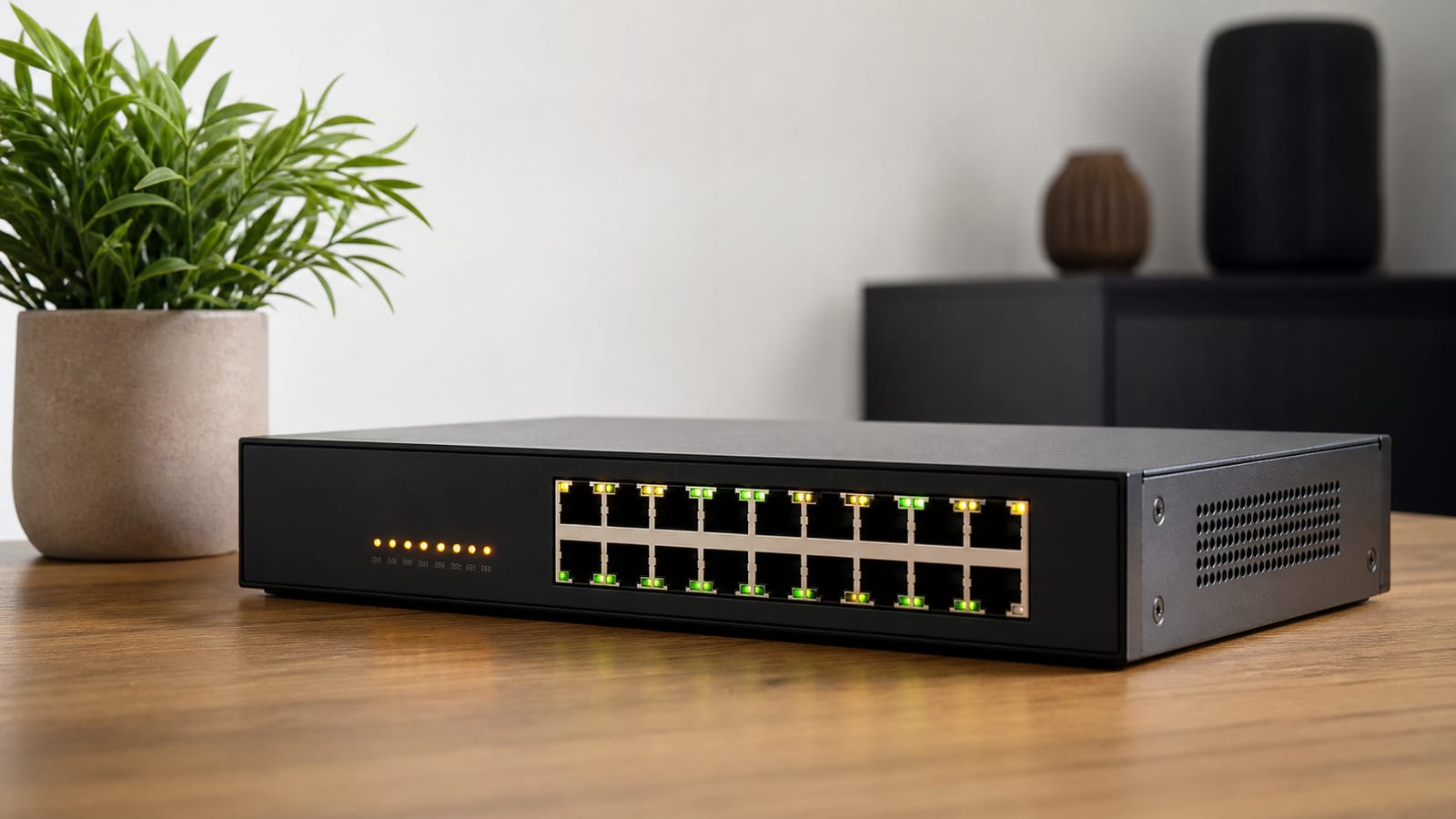

5 Best PoE Switches for Home Labs: TP-Link Tops Our Picks
Start with the switch, not the server. When internal transfers crawl in a homelab, the bottleneck is almost always the switch sitting between your NAS, hypervisors, and firewall. For most labs that also run access points and cameras, the best PoE switch is the TP-Link SG2210XMP-M2: eight 2.5G PoE+ ports, dual 10G SFP+ uplinks, fully managed, fanless, and around $249.99. It powers the edge and gives you VLANs without a separate power brick or a screaming fan.
Last updated: 2026-07-17
If you don't need PoE and just want the cheapest fast path to a 10G core, the Netgear GS108X at $74.99 does the job. Here is what each option is actually good for, and where the marketing oversells them.
The homelab switches worth buying
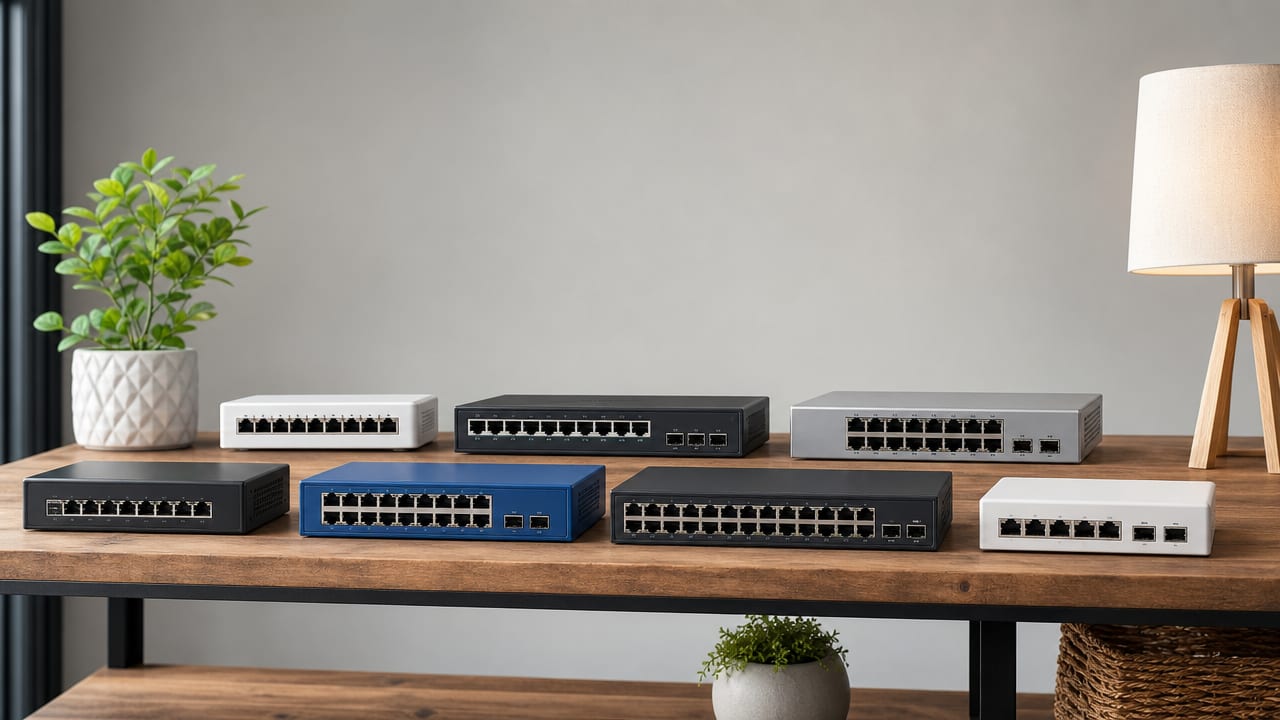
Here are the picks, sorted by what they're for. Every one gives you a 10G SFP+ uplink, so you can feed a NAS or firewall without choking the backbone.
| Switch | Ports | PoE | Managed | Price | Best for |
|---|---|---|---|---|---|
| TP-Link SG2210XMP-M2 | 8x 2.5G + 2x 10G SFP+ | PoE+, 30W/port | Full (Omada) | ~$249.99 | Best overall PoE |
| Zyxel XMG1915-10EP | 8x 2.5G + 2x 10G SFP+ | PoE++, 130W budget | Smart | Mid-high | High-draw APs |
| Netgear GS108X | 8x 1G + 1x 10G SFP+ | None | Unmanaged | ~$74.99 | Best budget uplink |
| TP-Link SG3210X-M2 | 8x 2.5G + 2x 10G SFP+ | None | L2+ (Omada) | Mid | Multi-gig, no PoE |
| MikroTik CRS305-1G-4S+IN | 4x SFP+ + 1x 1G | None | Full | Low | Fiber backbone |
Best overall PoE: TP-Link SG2210XMP-M2. This is the one I'd buy first for a small lab. You get multi-gig to desktops and access points, two 10G uplinks for the storage backbone, and PoE+ to power the edge. The Omada web UI is genuinely clean, and the switch joins a controller later if you add one. At around $249.99 it undercuts what these boxes used to cost, so ignore any older listing quoting it far higher.
Best PoE headroom: Zyxel XMG1915-10EP. Same port layout, but it delivers PoE++ up to 60W a port on a 130W total budget. That matters if you run high-draw Wi-Fi 6 access points or pan-tilt cameras a 30W port can't feed. It's smart-managed rather than fully managed, with Nebula cloud optional. For raw power per port, it wins.
Best budget: Netgear GS108X. No PoE, no VLANs, no fuss. Eight gigabit ports and one 10G SFP+ uplink for $74.99. Buy it when most of your devices are still 1G but you want one fast pipe to a managed core. It's an edge switch, not a brain.
What actually matters in a homelab PoE switch
Four things decide whether a switch lasts five years or gets ripped out in six months: uplinks, access speed, PoE budget, and management.
10G SFP+ uplinks. This is the spec I won't compromise on. Two 10G SFP+ ports remove the backbone limit between your firewall, NAS, and compute, so parallel VM backups and migrations stop fighting each other for bandwidth. A single 10G uplink is fine for an edge switch. The core wants two.
Multi-gig 2.5G access. Put 2.5G on the access ports so clients don't fall back to 1G. Modern access points, NAS units, and cheap NICs already speak 2.5G, so the upgrade pays off immediately. That's the difference between adding hardware and adding actual throughput.
PoE budget, not just per-port watts. Check the total wattage, then divide by your real device count. A 130W budget sounds generous until you hang four 60W access points off it and run dry. PoE (Power over Ethernet) comes in tiers: PoE+ gives you 30W a port, PoE++ up to 60W. Match the tier to your hungriest device, not the datasheet's best case.
For the wiring rules behind those numbers, the Power over Ethernet standard spells out what each type actually delivers.
Management depth. VLANs, QoS, and link aggregation aren't optional in a lab. They let you segment test services, protect the devices you care about, and shape traffic. If you're new to segmentation, start with a plan to set up VLANs in your home lab before you buy, so the port count matches the design.
Do you need a managed switch?
For a home lab, yes. The whole point is learning and control, and an unmanaged switch gives you neither. A managed switch lets you tag VLANs, mirror ports to watch traffic, aggregate links, and see what's actually moving. That's the learning value network admins are paying for anyway.
Two cheap managed options cover most edge duty. The Netgear GS308E at $27.99 and the TP-Link TL-SG108E both give you eight gigabit ports, fanless bodies, and a web UI with VLANs, QoS, and IGMP snooping. The TL-SG108E adds port mirroring, which is the flag I reach for when troubleshooting without buying a tap.
Want multi-gig plus Omada control without PoE? The TP-Link SG3210X-M2 gives eight 2.5G ports and two 10G SFP+ uplinks with L2+ management. Use it when you power devices separately and want one console across several switches.
Go unmanaged only for a dumb edge hanging off a managed core. The Netgear GS108X fits that exactly. Everything upstream stays smart, and the cheap box just extends ports.
Are fanless switches worth it?
If the switch lives on a bench or in the room you work in, absolutely. A fan in a home lab is a small, constant annoyance you'll eventually try to mod out. Every switch worth recommending here is fanless, and they stay that way because 8-port multi-gig boxes with good heatsinks don't need active cooling.
The tradeoff is heat under sustained PoE load. A switch pushing its full power budget runs warm, so give it airflow and don't bury it in a sealed cabinet. Fanless doesn't mean it ignores physics. It means the heatsink is doing the work a fan otherwise would.
For a pure fiber backbone, the MikroTik CRS305-1G-4S+IN is the quiet, cheap way to stitch NAS, hypervisors, and compute into a 10GbE fabric. Four SFP+ ports, one gigabit port, fully managed. RouterOS has a steeper learning curve than Omada, but in a lab that curve is the point.
Budget picks and where they fall short
The budget path is real, but it has edges. A $74.99 GS108X saves money by dropping PoE and management, so you'll buy power injectors and a separate managed switch later. Add those up before you call it cheap.
Ultra-budget brands like MokerLink undercut everyone on price, and sometimes that's fine. Buy them with eyes open: closed firmware, uncertain update cadence, and thin support when something breaks at 2am. For a throwaway edge switch that only forwards frames, the risk is low. For anything running your VLANs or PoE budget, it isn't.
Here's the honest split. Spend on the core switch that does management, PoE, and 10G uplinks, because that box has to be reliable. Cheap out on the dumb edge that just adds ports, because you can swap it in five minutes. Mix that up and you end up debugging a cheap switch while the whole household loses internet.
Off-brand switches and firmware risk
The real problem with obscure brands isn't the hardware, it's the firmware you can't inspect or update. When a security fix ships for a chipset, the name brands push it. Off-brand boxes often go silent, and you're left running whatever shipped from the factory. That's a liability on a switch handling segmentation.
Stick to TP-Link, Netgear, Zyxel, or MikroTik for anything load-bearing. Their update history is public, their forums are active, and their bugs are documented. Over five years that's worth more than the little you save on an unknown box. Treat firmware cadence as a spec, same as port count.
FAQ
What cabling do I need for 2.5G and 10G ports?
For 2.5G over copper, Cat5e usually works at short lab runs, but Cat6 removes doubt. For 10G copper, run Cat6a. For 10G SFP+ uplinks, use a DAC (direct attach copper) cable for short in-rack hops, or fiber with matching transceivers for longer runs. Fiber also cuts electrical interference near power gear.
Is link aggregation necessary in a home lab?
Not for most setups. Two 10G uplinks already outrun what a small lab pushes, so aggregation is more a feature to learn than one you need. Use it when a single link genuinely saturates during parallel backups, or just to practice LACP before you meet it at work.
How much PoE budget should I plan for?
Add up the rated draw of every device you'll power, then leave roughly a third in reserve. Access points and cameras spike above their idle draw, and a switch running its budget to the wall throttles ports without warning. The Zyxel's 130W budget covers a couple of hungry access points. It won't cover a rack of them.
Can I use consumer brands like TP-Link or Netgear in a serious lab?
Yes, and most home labs run exactly that. The managed lines from both give you real VLANs, QoS, and monitoring at a fraction of enterprise pricing. You lose some throughput headroom and advanced routing, but for learning and running services at home, that gap rarely matters.
Should I buy PoE if I don't have PoE devices yet?
Buy it if access points or cameras are anywhere on your roadmap. Retrofitting power injectors later costs more and clutters the rack. If your lab is pure compute and storage with no wireless or cameras planned, skip PoE and put the money toward 10G uplinks instead.
