
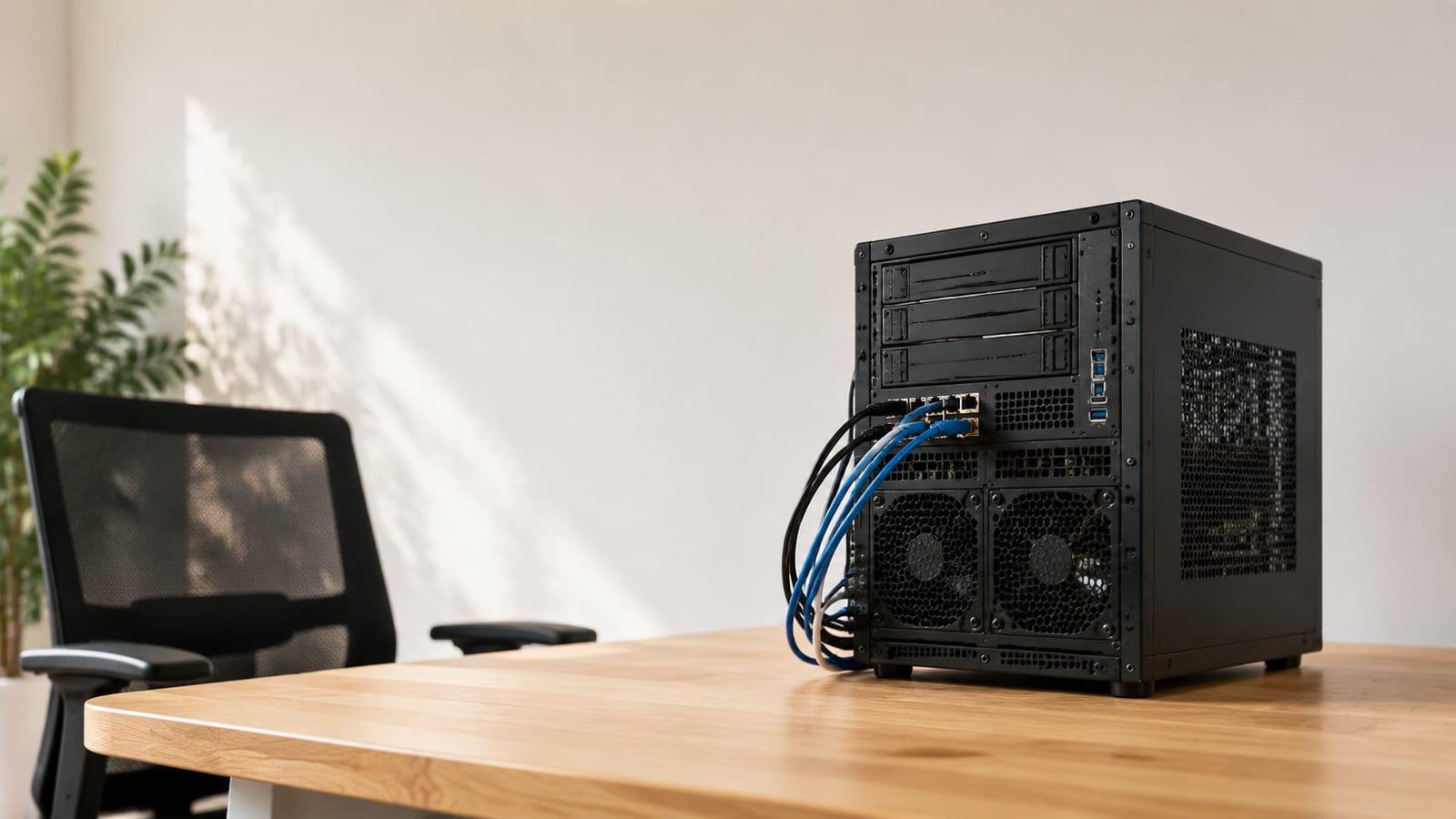

Debian Stable and Proxmox VE: Best Linux Distro for Home Lab
Run Debian stable on the bare-metal host and Proxmox VE as the hypervisor on top; everything else is a special case you should be able to justify. That combination is the best Linux distro for a home lab because it is boring, well documented, and predictable, so when something breaks the cause is your config, not a surprise from the distro. Ubuntu Server is the reasonable runner-up, and a couple of purpose-built distros like TrueNAS SCALE and Talos Linux beat the generalists at storage and Kubernetes. Below I walk through the picks that actually earn a slot, what each is good for, and where the popular advice sends you wrong.
Last updated: 2026-07-21
What makes a Linux distro good for a home lab?
Judge a home-lab distro on how it behaves when it breaks, not on how the installer looks. The four things that matter are package stability, kernel and driver support for the hardware you already own, depth of documentation, and how debuggable the system is at 1 a.m. GUI polish is not on that list.
Most "best distro" pages rank on desktop friendliness, which is the wrong axis for a server. A server you SSH into once a week does not care about theme packs. It cares whether an apt upgrade will silently break your storage stack.
Stability is the real prize. If your setup crashes or needs constant babysitting, you lose the evenings you meant to spend learning. A distro with a slow, auditable release cycle means fewer moving parts and fewer nights lost to a regression you did not cause.
Community depth matters for the same reason. When you hit an error, you want thousands of people who already hit it and wrote the answer down. That is a genuine advantage, and it is why the herd distros stay popular.
Which is the best Linux distro for a home lab host?
Put Debian stable on the metal. It runs on almost anything, sips resources, and its minimum footprint is tiny: around 512 MB of RAM, a 1 GHz CPU, and 10 GB of storage. That means an old desktop or a decade-old server boots it without complaint, and you install only the packages you need.
The reason I avoid bleeding-edge kernels on a lab host is simple. Newer kernels fight you on hardware you did not pick, especially cheap NICs and consumer storage controllers. Debian's older, well-tested kernel already knows your junk-drawer hardware. That is the point.
On top of Debian, run Proxmox VE as the hypervisor. Proxmox turns the whole "which distro" question into "which distro per VM," which is the honest answer for any lab running more than one service. It ships KVM and LXC, clustering, backups, and snapshots, so you experiment inside VMs and leave the base untouched.
Ubuntu Server is a solid second choice. Its LTS releases get five years of updates, and the sheer volume of tutorials and forum answers smooths over rough spots. I reach for it when a piece of software documents Ubuntu first, not because it beats Debian at the server role.
Here is how the picks compare at a glance:
| Distro | Best for | Release model |
|---|---|---|
| Debian stable | Base host, load-bearing services | Ships when ready, no calendar |
| Ubuntu Server LTS | Software that documents Ubuntu first | Every two years, five years of support |
| Proxmox VE | Hypervisor on the metal | Tracks Debian underneath |
| Arch / openSUSE Tumbleweed | Throwaway lab VMs you rebuild often | Rolling, fresh ISOs monthly |
| TrueNAS SCALE | Storage-first NAS box | Appliance |
| Talos Linux | Kubernetes cluster nodes | Immutable, API-driven |
Rolling releases belong in throwaway VMs, not your DNS box
A rolling release is fine for a lab VM you rebuild every month and a bad idea for the box serving DNS, DHCP, or storage to the rest of the house. That is the honest tradeoff, and most "top distro" lists dodge it.
Arch Linux ships fresh ISOs on a monthly cadence and updates continuously, so you always run current software. That is exactly what you want on a machine you are actively breaking to learn. It is exactly what you do not want under a service your household depends on, because an update can change behavior on any given day.
openSUSE Tumbleweed sits in the same bucket. Great for experimentation, risky as a set-and-forget server. Run rolling on the disposable target, keep the load-bearing services on stable, and you avoid taking the family offline to debug a mid-week package change.
The right distro changes with your skill, not your ego
For beginners or advanced users alike, there's a Linux distro that fits. Ubuntu Server and Fedora Server suit beginners, while Debian and CentOS Stream reward the more experienced with stability.
Here is how I map it. Start on Ubuntu Server or Debian, get comfortable with SSH, systemd units, and package management, and do not touch anything rawer until the basics are muscle memory.
You are ready to move to Arch or Gentoo when you can already read journalctl -b -p err, fix a broken package by hand, and recover a box from a shell without reinstalling. If a failed boot still makes you reach for the install USB, stay on stable a while longer. The rawer distros do not teach you those skills; they assume you already have them.
CentOS Stream deserves a mention here too. It is the upstream for Red Hat Enterprise Linux and gives you a real feel for enterprise Linux, which is worth having if you want that career. Run it when you specifically want RHEL-family habits, not as a general default.
Skip the desktop on a server
Run your home-lab server headless and drive it over SSH. A full desktop on a machine you rarely sit in front of wastes RAM, widens the attack surface, and buys you nothing. Learn tmux so your session survives a dropped connection, and you have everything a GUI was pretending to give you.
The "Windows-like interface" advice aimed at newcomers is fine for a laptop and wrong for a server. You are building infrastructure, not a second daily driver.
Where a management layer earns its keep is Cockpit or a decent text-based interface for one specific job: watching disks, checking service status, or handling a VM without memorizing every flag. Install it because it saves you time on a real task, not because a blank terminal makes you nervous. Lightweight desktops like XFCE exist if you truly need one on a workstation VM, but keep them off the server.
Ubuntu LTS or Debian for the long haul?
Pick Debian if you value a slower, more auditable release and Ubuntu LTS if you value driver breadth and the biggest pile of ready-made answers. Both are safe; they optimize for different things.
Ubuntu's LTS line lands every two years in April with five years of support. The 26.04 LTS release shipped in April 2026, but do not hard-code a version in your head. Check the official Ubuntu releases page for the current one before you download. That predictable cadence is easy to plan maintenance around.
Debian moves when it is ready, not on a calendar, and that slower pace is a feature for a server. Fewer surprises, longer testing, and a package set you can reason about. My rule: Debian for the base host where boring wins, Ubuntu where a specific tool or vendor documents it first. When you plan either one's update rhythm, my notes on scheduling kernel updates save you from a bad reboot at a bad time.
Hardware compatibility is mostly a solved problem
Stop worrying about compatibility for typical home-lab gear. Most of it is old enterprise or consumer hardware from years ago, and every mainstream distro drives it without a fight. The 2010s server you pulled from a closet is a solved case.
Three exceptions still bite. Recent Wi-Fi chipsets sometimes need firmware that is not in the base install, so run your lab on wired ethernet and the problem disappears. GPUs for passthrough or transcoding need the right driver and IOMMU setup, which is real work regardless of distro. ARM single-board computers like a Raspberry Pi want an image built for that board, not a generic amd64 ISO.
Newer kernels help with brand-new silicon and hurt with old oddball controllers. That cuts both ways, which is why matching the distro to the actual hardware beats chasing the newest kernel on principle.
The best pick for a storage-first home lab
When the lab's real job is storage, run TrueNAS SCALE instead of bolting ZFS onto a general distro by hand. It is built around ZFS and file serving over NFS and SMB, with a management interface that handles pools, datasets, and snapshots without you memorizing every zpool command.
Reach for it when the primary use case is a NAS: backups, media, and shared files for the house. General compute is secondary on that box, and TrueNAS does not pretend otherwise. If instead you want ZFS under a machine that also runs a dozen other services, keep Debian or Proxmox and add ZFS yourself, because TrueNAS wants to own the whole appliance.
Do not run your NAS on a rolling release. Storage is exactly the workload you never want a surprise update near.
Building a Kubernetes or container lab
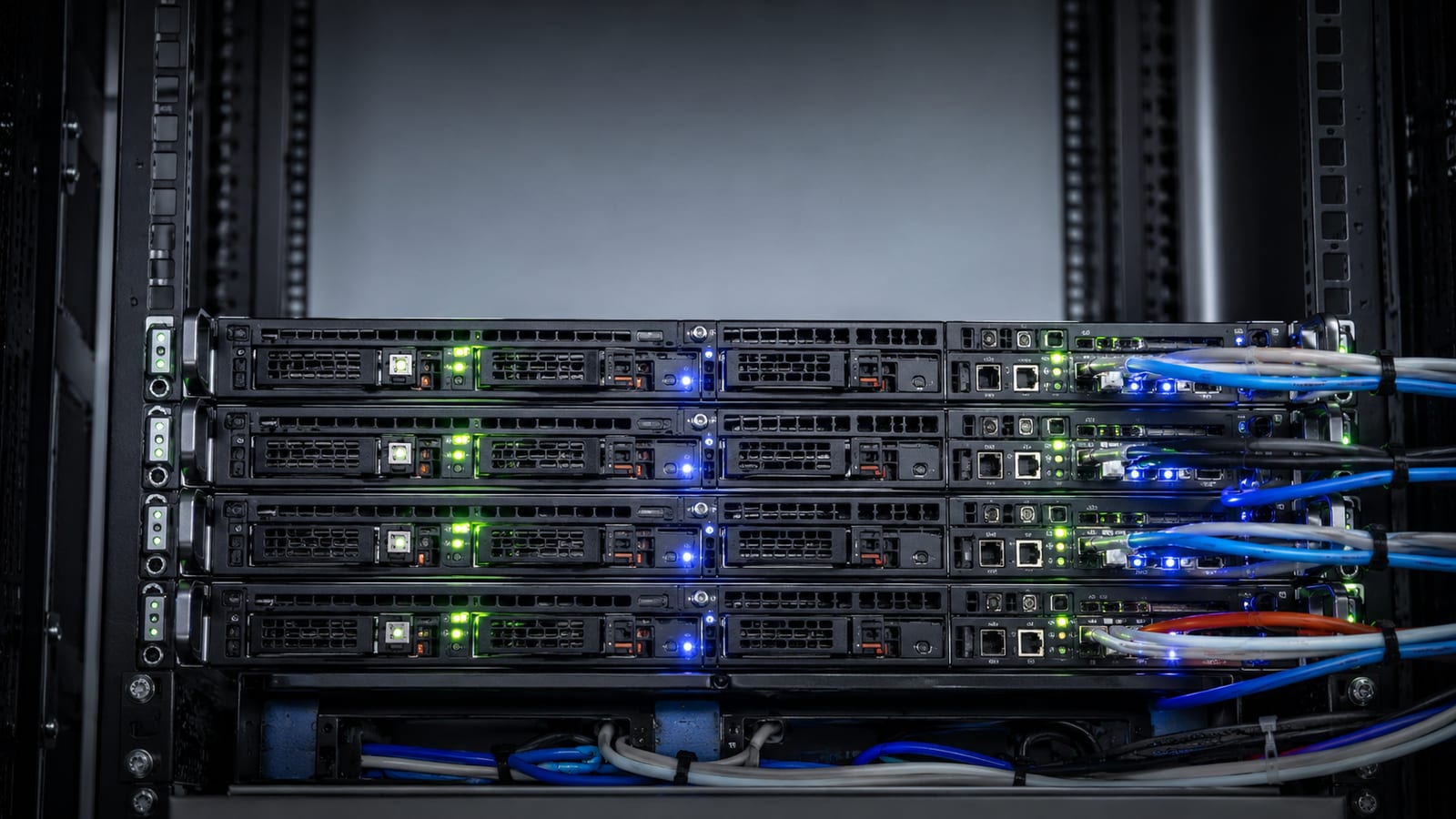
If the lab exists to run Kubernetes, use Talos Linux. It strips out everything a general distro carries that Kubernetes does not need: no SSH, no shell, no package manager, just an API-driven immutable OS built to be a cluster node. Less surface to patch, less to drift, less to break.
For a plainer container setup, minimal Debian plus Docker is hard to beat. You get containers, you keep a normal shell to debug them, and you understand every layer because you installed it. That beats dragging a heavy general-purpose distro into a role it was not shaped for.
Choose by intent. Talos when the machine's only reason to exist is the cluster; Debian and Docker when you want containers and a system you can poke at directly. If you are weighing renting compute for this instead of running metal, my guide to choosing a VPS for Linux work covers the tradeoffs.
How to debug it yourself instead of copy-pasting a fix

When a service will not start, read the logs before you touch anything. Run journalctl -u <service> -b -p err to see this boot's errors for that unit, and the exact failure is usually right there. A fix you paste from a forum without reading that output tends to come back, because you patched a symptom, not the cause.
Check the kernel ring buffer next. dmesg -T | tail -20 shows recent hardware and driver messages with human timestamps, which is where storage and NIC problems announce themselves. That tells you whether the trouble is your config or the metal underneath.
When a process behaves in a way the logs do not explain, strace -f -e trace=file <command> shows every file it tries to open and the exact errno when one fails. Nine times out of ten it is a missing path or a permission on a parent directory, and strace names it. Understand the failure and it stays fixed. Guess, and you will meet it again next week.
FAQ
Can I run several distros in one home lab at once?
Yes, and that is the normal setup. Put Proxmox on the metal, then spin up Debian, Ubuntu, and a rolling-release VM side by side. Snapshot each one before you experiment so a broken package is a rollback, not a reinstall.
How much RAM do I actually need to start?
Less than the shopping guides claim. Debian's minimum is half a gigabyte, and 8GB of RAM is sufficient for running a single virtual machine on a home system. RAM becomes the limit once you stack heavy services like ZFS caching or several Kubernetes nodes on one host.
Is CentOS Stream still worth learning?
It is, if you want experience with the Red Hat family. As the upstream for RHEL it mirrors how enterprise shops run their servers, so the dnf and SELinux habits you build transfer straight to a job. For a general lab host, though, Debian is the calmer default.
Should I use Fedora Server instead of Debian?
Only if you want newer packages without going fully rolling. Fedora Server ships current software with a web console, but each release is supported for roughly 13 months, so you upgrade often. That short window is the tradeoff for the fresh packages; on a server I do not love it.
What is the single most useful skill for a home lab?
Reading logs. Learning journalctl, dmesg, and strace well enough to find a root cause beats knowing any one distro. Every distro breaks eventually, and the person who can trace the failure fixes it in minutes while everyone else reinstalls.
