


How to Load HPC Modules and Verify Your Shell
Run module load <name>/<version> with the version written out, then prove it worked with module list and which. A load module command that "did nothing" almost never means the software is broken. Usually your shell never sourced the module init script, MODULEPATH is missing a directory, or a compiler you loaded earlier conflicts with the one you just asked for. Diagnose those three before you retype the command a fourth time.
One clarification first, because two very different groups search for this. On an HPC cluster or shared server, modules are shell environment packages managed by Environment Modules or Lmod. In the kernel, a module is a driver you insert with modprobe. Same word, unrelated tooling. The last section covers the kernel case.
What module load actually changes

Nothing gets installed. The command edits variables in your current shell and hands you a different set of paths.
A typical modulefile prepends a directory to PATH, adds to LD_LIBRARY_PATH, and sets things like CC, CPATH, PKG_CONFIG_PATH, or a license variable. Some also define shell functions or aliases. That is the whole trick: the software was already sitting on a shared filesystem, and the module just makes your shell see it.
Because it is shell state, it dies with the shell. A module loaded in your login session does not exist inside a batch job on a compute node unless the job script loads it too. New terminal, new environment, no modules. That single fact explains most "it worked yesterday" reports.
Listing what is available with module avail
module avail prints the modulefiles reachable through MODULEPATH, and nothing else. So a short or empty listing is a configuration answer, not a claim that the software is absent.
Check the path before you file a ticket:
echo $MODULEPATH
module avail
module avail gcc
If MODULEPATH is empty, your shell never ran the module initialization. If it is populated but the tool you want is missing, the site may be using a hierarchy where the entry stays hidden until a compiler is loaded. Filtering by name is faster than scrolling three hundred lines of output.
When module spider finds what avail hides
Hierarchical setups deliberately hide most of the tree. Under Lmod, module spider searches the entire hierarchy, including modules that will not appear in avail until you load their prerequisite compiler or MPI stack.
module spider hdf5
module spider hdf5/1.14
The first form lists every version that exists anywhere. The second is the useful one: it prints the exact modules you must load first to reach that version. Copy those lines in order and the load succeeds. spider is Lmod's command, so on a Tcl-based site check the Environment Modules documentation for the local equivalent rather than assuming.
Read module show before you change your shell
Inspect the modulefile first. module show <name>/<version> prints every variable the module will set, every prerequisite it demands, and every module it conflicts with, without touching your session.
module show openmpi/4.1.5
Read the prepend_path lines and the conflict lines. That tells you in advance whether this module will quietly shove your current compiler off the front of PATH. On Lmod the equivalent is module show too, and module help <name> often carries site notes about licenses or required flags. Two seconds of reading beats twenty minutes of wondering why mpicc points somewhere unexpected.
How do you load a module without breaking your environment?
Always name the version. A bare module load gcc gives you whatever the site marked as default, and defaults change during maintenance windows without telling you.
- Start from a known state with
module purge. - Load the compiler or toolchain first, then the libraries that depend on it.
- Load the application with an explicit version:
module load gcc/12.2.0thenmodule load hdf5/1.14. - Confirm the binary you expect:
which h5dump. - Record the exact list in your job script, not in your
.bashrc.
That last point matters more than it sounds. Modules loaded from .bashrc follow you into every job and every SSH session, including ones where they conflict with something else. Put the loads in the script that needs them.
Checking the loaded modules and proving the change
module list answers the loaded modules question directly, but it only reports what the module system thinks it did. Verify against the environment itself when the result surprises you.
| What you want to know | Command | What the output tells you |
|---|---|---|
| Which modules are active now | module list | Exact names and versions in this shell |
| Which binary you will actually run | which <command> | Whether PATH resolves to the module or a system copy |
| Which libraries it will link against | ldd $(which <command>) | Whether the runtime linker found the module's libraries |
What avail is allowed to see | echo $MODULEPATH | The directories being searched |
The mismatch I see most often is module list showing the right version while which still points at /usr/bin. That means something later in your startup files prepended a system path after the module ran. Fix the ordering rather than reloading.
Unloading without leaving a half-broken shell
module unload <name> reverses that modulefile's edits, and only that modulefile's. Dependent modules usually stay loaded and keep pointing at libraries that just left your path.
Lmod is stricter here and will deactivate dependents when you drop their compiler, printing a note about it. Environment Modules generally will not. Either way, read the output instead of assuming silence means success.
When several loads and unloads have piled up, stop untangling. Run module purge and rebuild the stack, or open a fresh shell. Manually unsetting variables to undo a module is how people end up with a LD_LIBRARY_PATH that has one dead directory in the middle and a linker error that makes no sense.
Switching compiler families
Compiler modules conflict on purpose. GCC, Intel, and AMD toolchains each own CC, CXX, and FC, and having two of them fighting over those variables produces builds that link against the wrong runtime.
module switch gcc intel
module list
module switch (or module swap) unloads one and loads the other in a single step. On a hierarchical site, dependent modules get reloaded from the new compiler's branch automatically, and the reload messages are worth reading. Anything the new branch does not provide is dropped silently from your stack.
After a switch, rebuild. Object files and MPI wrappers compiled against the old family will link, run for a while, then die in a place with no obvious connection to the compiler you changed an hour ago.
Is ml worth using instead?
Yes, if you are on Lmod. ml is Lmod's shorthand and it collapses the common cases: ml alone lists, ml avail lists available, ml gcc/12.2.0 loads, and ml -gcc unloads. The Lmod documentation spells out the full grammar.
The caveat is portability. ml does not exist on Tcl Environment Modules unless a site admin aliased it, and some clusters bind ml to something else entirely. Use it interactively where you know the environment. In job scripts and shared build instructions, write module load in full so the script survives moving to another cluster.
What should you check when a module load fails?
Read the exact error, then work from the environment outward. Guessing costs more time than checking.
Start with whether the module command exists at all:
type module
echo $MODULEPATH
module --version
If type module says "not found", your shell never sourced the init script. That is the usual cause inside non-interactive batch scripts and inside ssh host 'command' invocations, where login files are skipped. Sourcing the site's module profile script at the top of the job fixes it.
If the command exists but the modulefile does not load, run module show on it and read the prereq and conflict lines. A missing prerequisite reports as a load failure with no useful detail on some versions.
When the module loads cleanly and the application still fails, the module system is no longer your problem. Run the binary under strace -f -e trace=openat,execve and check the output for the file it cannot find. That tells you whether the real problem is a missing library directory, a license file, or a permissions issue on the shared filesystem.
Kernel modules are a different beast
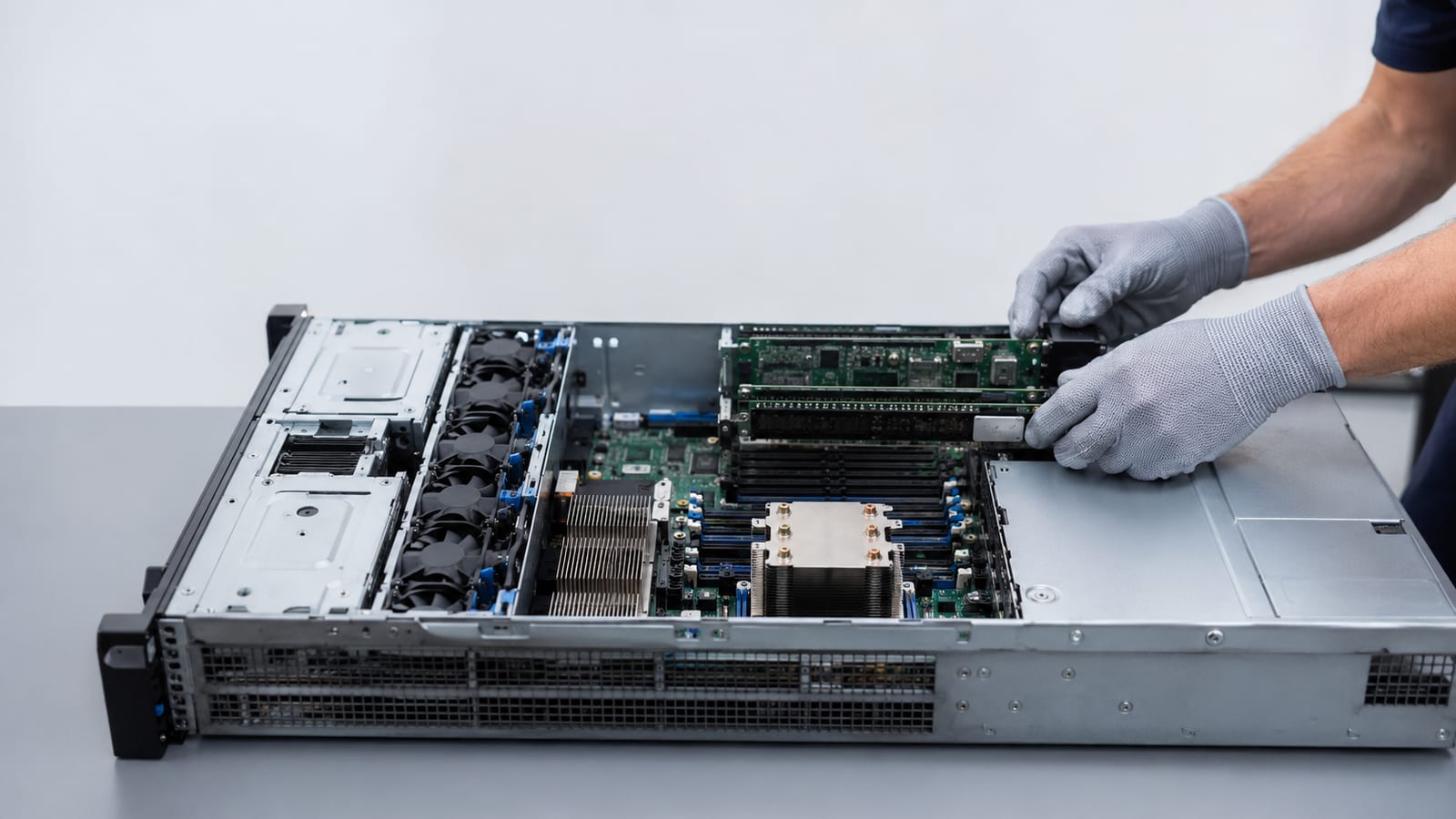
If you came here about drivers, none of the above applies. The Linux command used to load a kernel module is modprobe, which resolves dependencies and inserts the module into the running kernel. To display currently loaded kernel modules, use lsmod.
sudo modprobe dummy
lsmod | grep dummy
dmesg -T | tail -20
Check dmesg every time. The kernel ring buffer tells you whether the module initialized or refused, and refusals include signature failures, missing symbols, and version mismatches against the running kernel. For a deeper walkthrough, see this guide to kernel modules and how they load, or the practical comparison of listing loaded kernel modules.
Reading the source is faster than reading forum threads. The loop module lives in the kernel tree at drivers/block/loop.c, and the dummy module at drivers/net/dummy.c. Both are short enough to read in one sitting and will teach you more about module init failures than any answer thread. If modules fail during startup rather than by hand, that is a different investigation into boot-time module loading failures.
FAQ
Do I need to load modules again inside a Slurm job script?
Yes, in almost every case. The job runs in a fresh shell on a different node, so add the loads to the script itself. If module is undefined there, source the site's module profile script before the first load line.
Can I save a set of modules and get it back later?
Lmod supports module save <name> and module restore <name>, which stores collections per user. Save one collection per project rather than editing your shell startup files, and restore it at the top of a job script.
Can I add my own modulefiles as a regular user?
You can. Write a modulefile in a directory you own, then run module use ~/modulefiles to append it to the search path. Sites usually allow this, and it beats hardcoding paths for software you built in your home directory.
Why does tab completion not work for module names?
Completion ships as a separate shell function, and it only exists if your shell sourced the module system's bash or zsh completion file. Check with complete -p module. Empty output means the completion was never registered for your session.
Why does the same module behave differently on login and compute nodes?
Node images and CPU architectures often differ, and hierarchical sites expose different module trees per architecture. Run module list and echo $MODULEPATH inside an interactive job on the target node and compare against the login node.
